
Book Now
Book Now
01
Computer slowing
down over time ›
02
Overheating
›
03
Too many startup
programs ›
04
Old temporary files
›
05
Warning signs of
drive failure ›
06
Applications taking
long to open ›
07
Loud fans
›
08
System freezing or
becoming unresponsive ›
09
Low storage space
›
10
Dust buildup
›
11
Poor boot speed
›
12
General computer
sluggishness ›
01
Prevent Problems
02
Hardware & Software
03
04
05
06
07
08
09

Repair & Hardware
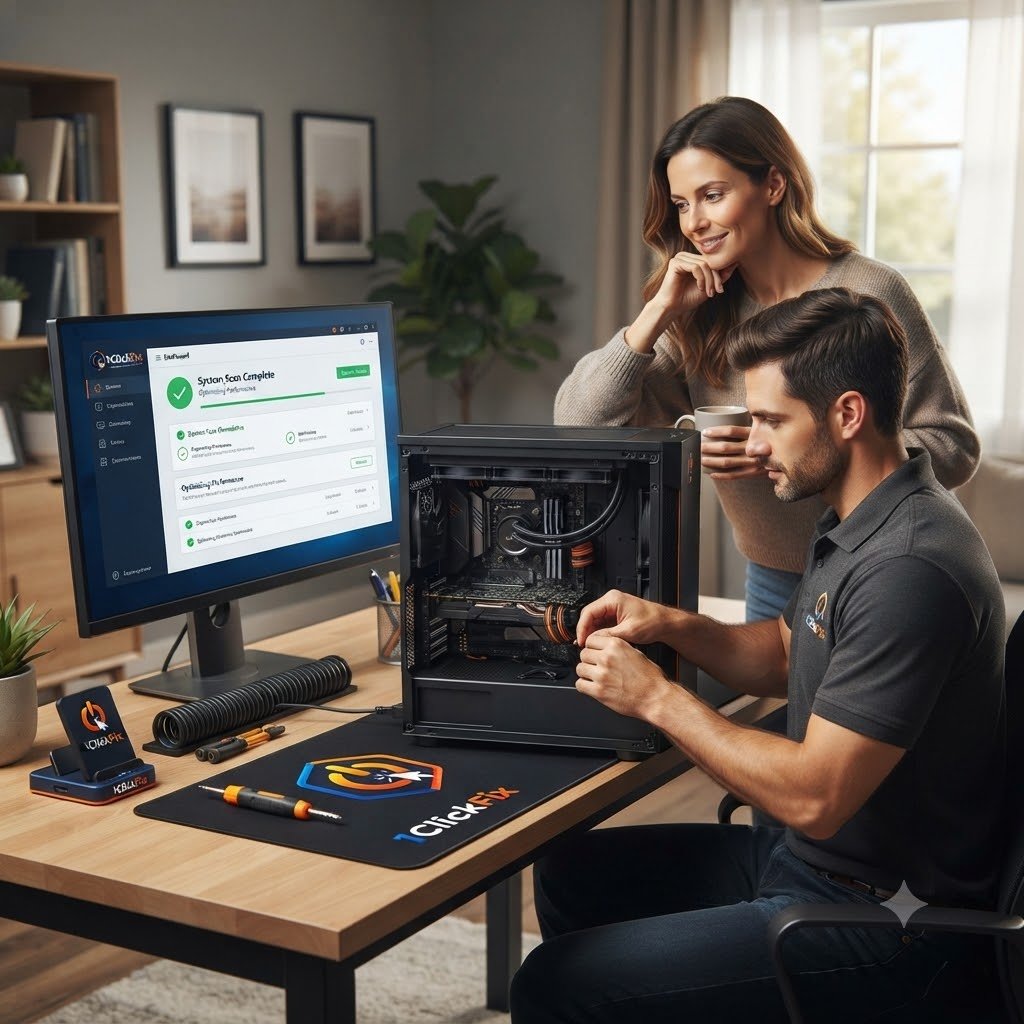
Computer Maintenance & Optimization
Keep your computer running faster, cooler, and more reliably with professional tune-ups, performance optimisation, system cleanup, and preventive maintenance.
✓ $69 first hour
✓ 1–2 hours
✓ Transparent Pricing
✓ Preventive Maintenance
Faster Performance
Reduce unnecessary slowdowns
Thermal Health
Cooling and fan checks
Drive Health
Spot warning signs early
Cleaner System
Digital and physical cleanup
System Health Review
Maintenance Ready
Description
Routine Maintenance Helps Keep Your Computer Reliable
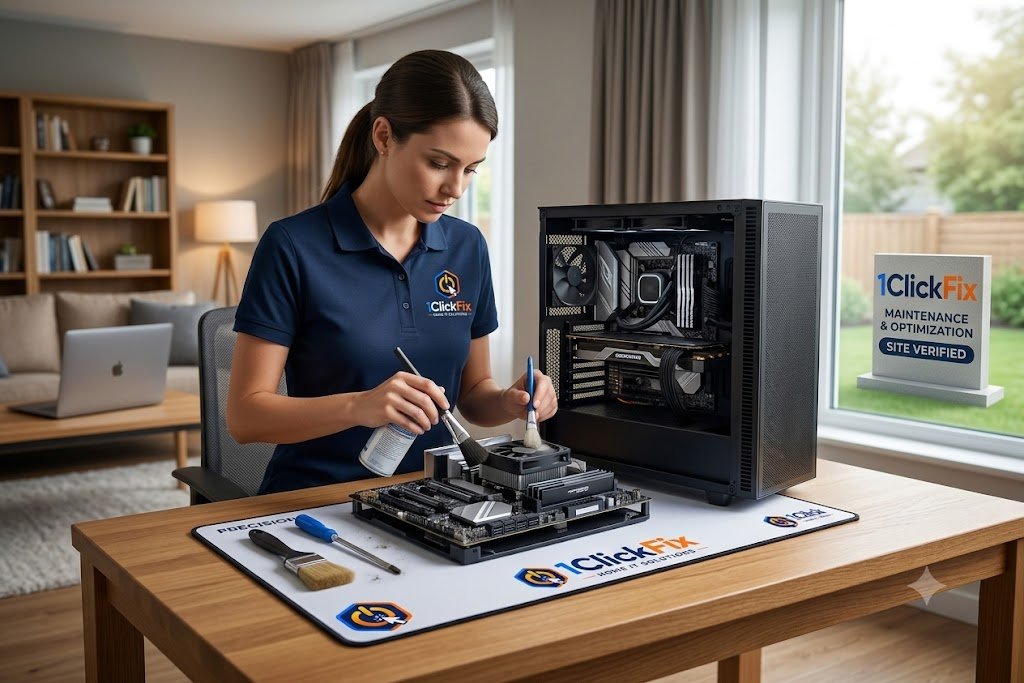
Just like vehicles, computers need maintenance. 1ClickFix provides performance optimisation, digital cleanup, internal dust cleaning where applicable, thermal checks, storage health checks, and general computer maintenance.
Maintenance Modules
What We Do
A practical maintenance service focused on performance, cooling, storage health, updates, and overall system condition.
10
POINT
Complete System Tune-Up
We review the areas that most often affect speed, heat, storage, startup performance, and day-to-day reliability.
01
Performance optimisation
02
Startup app review
03
Temporary file cleanup
04
Storage space review
05
Internal dust cleaning where applicable
06
Thermal checks
07
Fan operation checks
08
Drive health checks
09
Update review
10
General system health review
Give Your Computer A Proper Tune-Up
Book maintenance before small performance problems become bigger repairs.
Service Checklist

What's Included
Everything below is part of the service — quoted upfront, with nothing added without your approval.
01
Performance Optimisation
Improving startup performance and reducing unnecessary background activity.
02
Startup Review
Checking items that launch automatically and slow the computer down.
03
Storage Cleanup
Reviewing temporary files, clutter, and available storage.
04
Internal Dust Cleaning
Cleaning dust buildup where the device design allows safe access.
05
Thermal Review
Checking overheating symptoms, fan behaviour, and temperature-related issues.
06
Drive Health Check
Reviewing storage health and warning signs of failure.
07
Maintenance Recommendations
Providing practical advice for keeping the computer reliable.
⚠ Performance Alerts
Common Issues We Repair
From slow performance to unexpected shutdowns — we diagnose and fix the issues that keep your computer from running at its best.
Real Solutions
For Everyday
Computer Problems
For Everyday
Computer Problems
down over time ›
programs ›
drive failure ›
long to open ›
becoming unresponsive ›
sluggishness ›
WHY 1CLICKFIX
Why Choose 1ClickFix?
Reliable. Professional. Local. Here When You Need Us.
Prevent Problems
Before They Happen
Maintenance is usually
cheaper than repairs.
Hardware & Software
Combined
We optimise both physical
and digital performance.
Extend Device Lifespan
Regular maintenance helps
reduce wear and tear.
Health Monitoring Included
Drive health, temperatures,
and performance are checked.
Long-Term Reliability Focus
Our goal is fewer future
service calls.
Tailored To Your Computer
Every maintenance visit is customised to your computer's
age, condition, and how you use it.
Cleaner, Faster, More Reliable
We remove unnecessary clutter,
optimise performance, and
improve overall system reliability
wherever possible.
Early Problem Detection
We look for warning signs of
failing hardware, storage,
overheating, or Windows issues
before they become costly repairs.
Ongoing Peace Of Mind
Regular maintenance helps
reduce unexpected breakdowns
and keeps your computer
running at its best.
Service Journey
What To Expect
The same transparent process on every job — you always know the cost and the plan before we touch anything.
01
Performance Review
We review system performance and symptoms.
02
Digital Cleanup
Unnecessary digital clutter and startup items are reviewed.
03
Hardware Health Checks
Drive health, temperatures, and fan behaviour are checked.
04
Dust Cleaning
Dust is cleaned where safe and practical.
05
Optimisation
System settings are adjusted where appropriate.
06
Recommendations
You receive practical maintenance advice.
Frequently Asked Questions
Maintenance & Optimization FAQs
Why does my computer get slower over time?
Software buildup, startup programs, low storage, ageing hardware, updates, and dust can all affect performance.
Do you clean computer dust internally?
Yes, where the device design allows safe cleaning.
Can maintenance extend computer life?
Yes. Better cooling, cleaner software, and drive health checks can help extend usable life.
How often should I service my computer?
Many home users benefit from annual maintenance, especially if the device is used daily.
Can you improve performance without replacing parts?
Often yes, depending on the system condition.
Do you check hard drive health?
Yes. Drive health checks are part of routine maintenance.
Can you help prepare an old computer for recycling?
Yes. Recycling assistance and safe data handling can be discussed.
System Health Snapshot
Maintenance Ready
Preventive Maintenance
Keep Your Computer Fast, Cool & Reliable
Routine maintenance can help catch small problems early and improve day-to-day performance without unnecessary upgrades.
Performance Review
Thermal Check
Storage Health
Ready to give your computer a full maintenance check?