
Virus Removal & Security Services
Malware, Spyware, Scam, and Virus Removal with Security Cleanup and Protection.
Remove Threats. Understand What Happened. Reduce Future Risk.
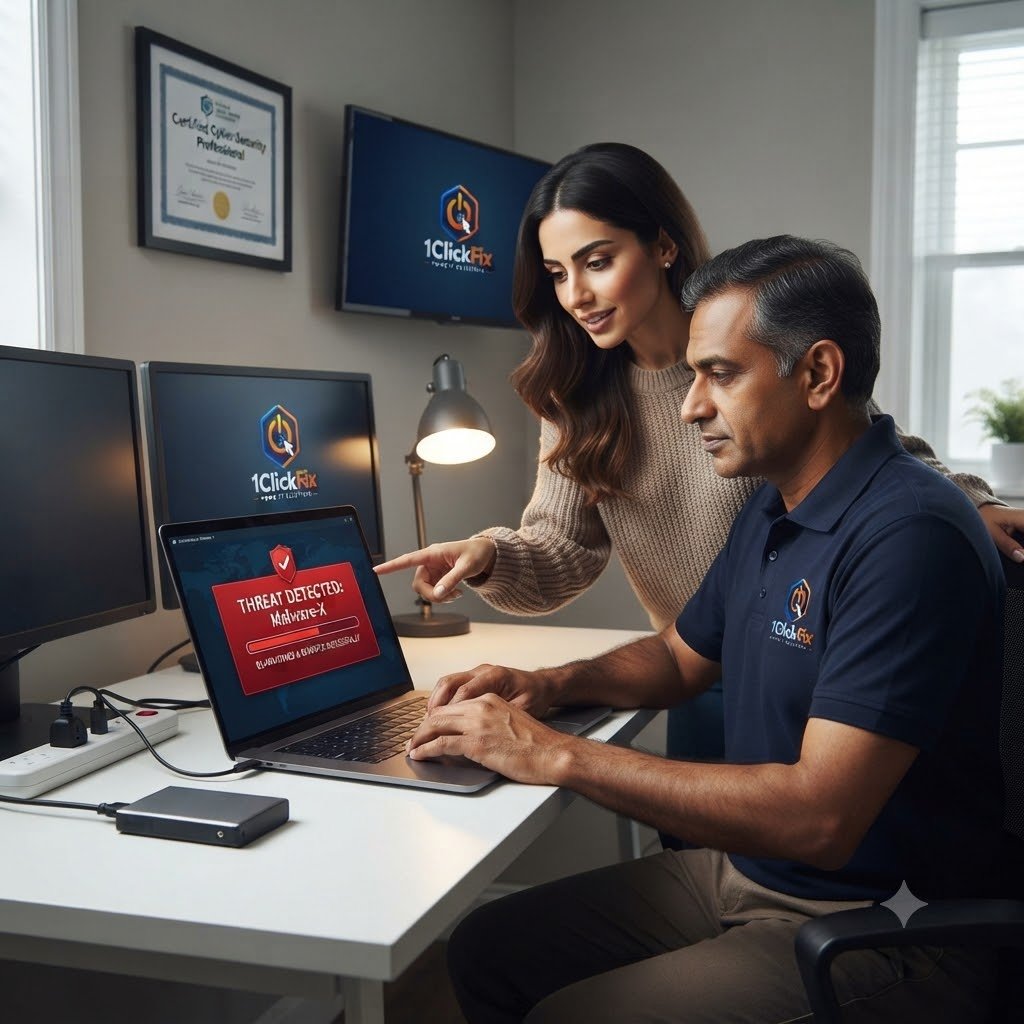
If your computer has pop-ups, browser redirects, suspicious software, fake warnings, or performance issues caused by malware, 1ClickFix provides virus removal and security services.
We look beyond the immediate symptom by reviewing browsers, startup items, installed software, remote-access tools, and common security settings so the cleanup addresses both the current problem and the risks that may have contributed to it.
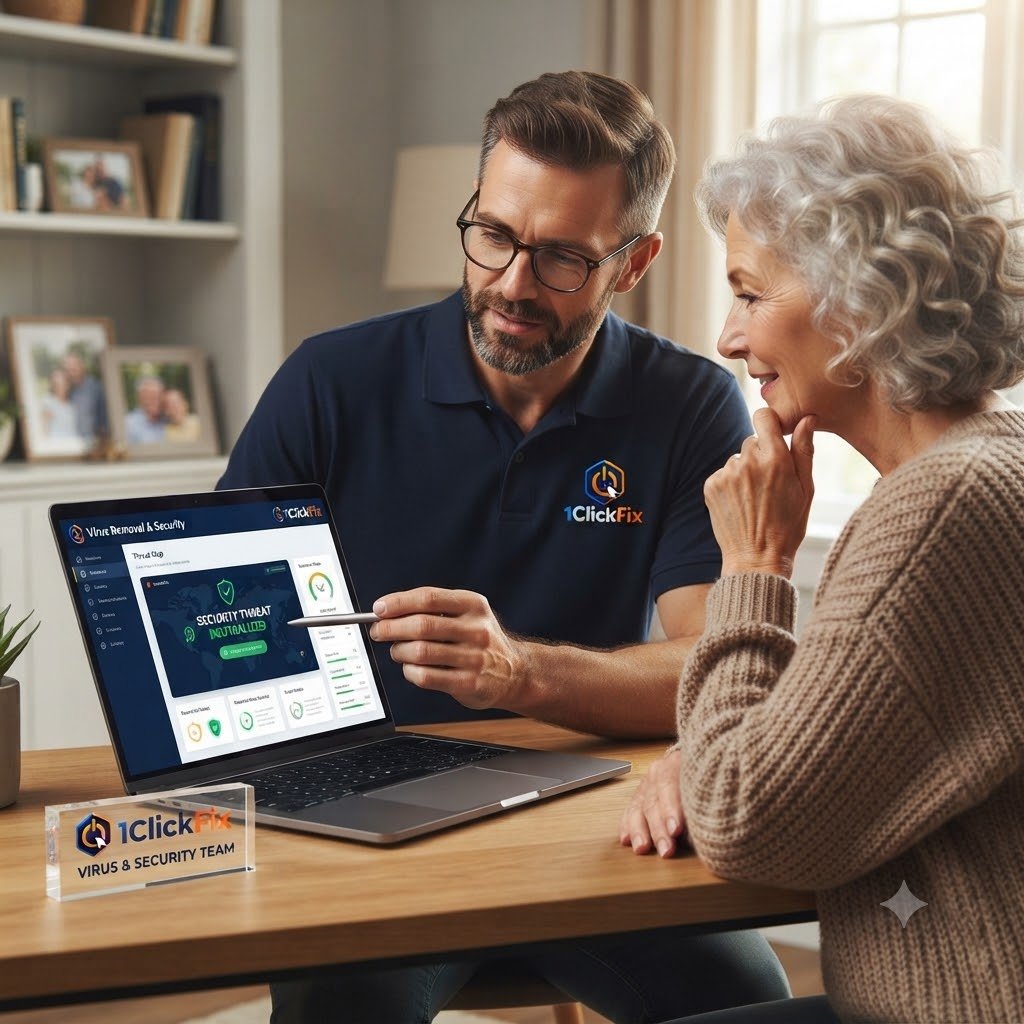
Security cleanup is paired with practical guidance so you understand what was found and how to reduce the chance of the same problem happening again.
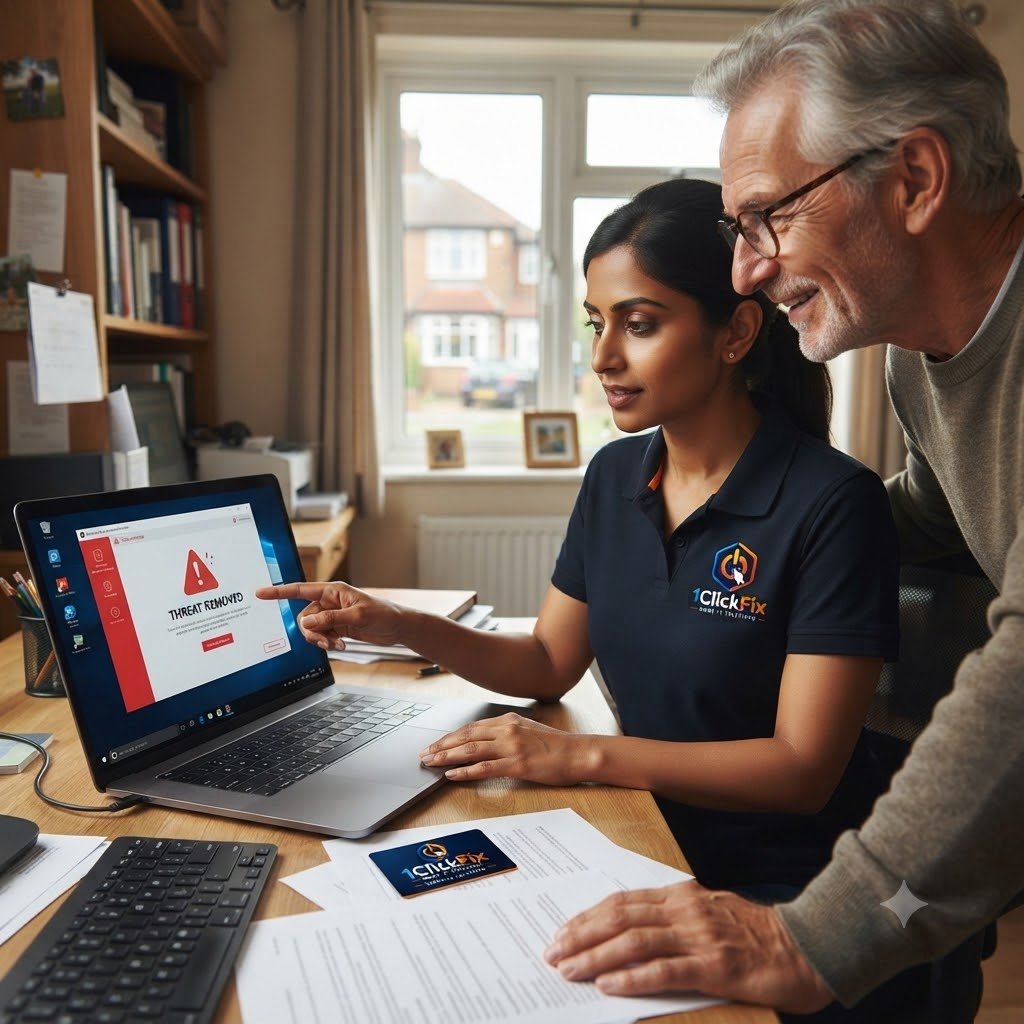
Threat Removal & Security Operations
We focus on solving the customer problem clearly and practically. This service can include:
Virus scanning
Malware removal
Spyware and adware cleanup
Browser hijacker cleanup
Suspicious extension removal
Antivirus installation and setup (with customer-approved subscription)
Remote access software review
Startup threat review
Security configuration
Scam and phishing awareness guidance
Antivirus recommendation based on your needs and budget
Seeing pop-ups, fake warnings, redirects, or suspicious activity?
1ClickFix can inspect the system, remove detected threats where possible, and help secure the computer before the problem gets worse.
What Is Included In The Security Service
Everything below is part of the service — quoted upfront, with nothing added without your approval.
Comprehensive Security Scan
Reviewing the system for malware, spyware, viruses, suspicious software, and unwanted programs.
Malware & Virus Removal
Removing detected threats where possible.
Browser Cleanup
Removing malicious extensions, hijacked homepages, fake search engines, and suspicious redirects.
Startup Threat Review
Checking unwanted programs that load automatically.
Security Hardening
Improving basic protection settings and reducing known risks.
Scam Awareness Guidance
Explaining phishing emails, fake pop-ups, unsafe downloads, and tech support scams.
Common Signs Of Malware, Scams &
Browser Compromise
If you notice any of these signs, your device may be infected or compromised.
Our experts can help you clean, secure and get you back online safely.
by malware
access tools
access
installed
changed
Security Cleanup That Goes Beyond A Basic Scan
We Remove The Cause, Not Just The Symptoms
We investigate how the infection occurred to reduce future risk.
Security Education Included
You learn how to avoid scams, phishing attempts, and dangerous websites.
Privacy-Focused Remediation
Protection of personal information is treated as a priority.
Real-World Security Experience
Professional Microsoft security experience helps bring enterprise security practices into your home.
Peace Of Mind
We explain exactly what was found and what was cleaned.
Security Hardening Included
After removing threats, we review your computer's security settings to help reduce future risks.
Scam Recovery Assistance
If you have been affected by a scam or fake tech support call, we help remove suspicious software and secure your computer.
Thorough System Inspection
We examine browsers, startup programs, installed software, and common attack points, not just antivirus scan results.
Safer Computing Advice
Before we leave, we provide practical tips to help you recognise scams and stay protected online.
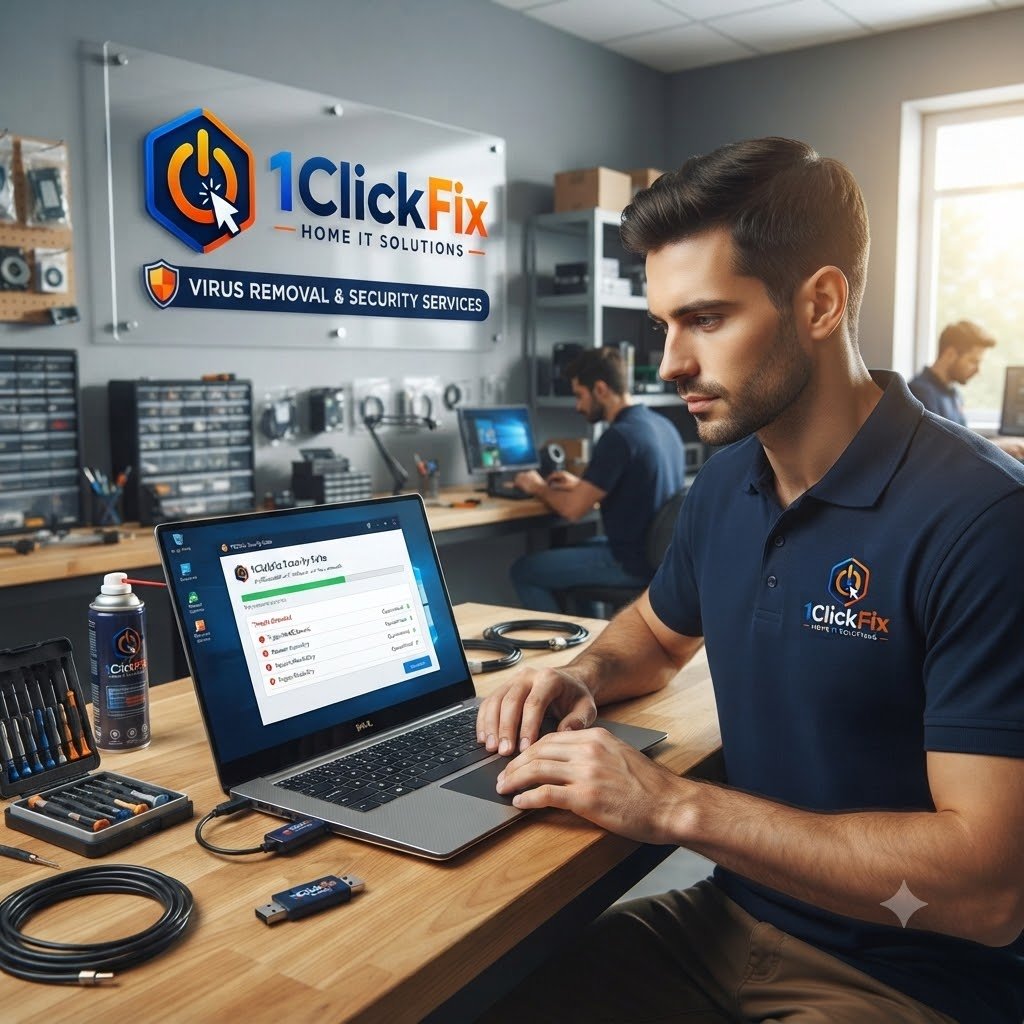
Remove The Threat. Close The Gaps. Understand How To Stay Safer.
A clean computer is only part of the goal. We also review common attack points, browser settings, startup programs, remote-access tools, and protection options so the system is left in a stronger state and you understand the practical steps that can reduce future risk.
A Clear Security Cleanup Process
The same transparent process on every job — you always know the cost and the plan before we touch anything.
Security Review
We inspect the computer for signs of malware or compromise.
Threat Removal
Detected threats and unwanted software are removed where possible.
Browser Cleanup
Browsers are checked for malicious extensions and unwanted settings.
Security Configuration
Basic protection settings are reviewed and improved.
Explanation
We explain what was found and cleaned.
Prevention Guidance
You receive practical tips to reduce future risk.
Virus Removal & Security FAQs
Can you remove viruses and malware?
My browser keeps opening strange websites. Can you fix it?
Can you help after a phone scam?
Will I need antivirus software?
Can you make my computer more secure?
Can you check if someone accessed my computer remotely?
Can malware make my computer slow?

Get Your Computer Clean, Secure & Back Under Your Control.
If your computer has pop-ups, warnings, redirects, suspicious activity, or malware concerns, 1ClickFix can help clean and secure it.