
Data Recovery Before Device Recovery
If the computer cannot be saved, protecting your personal files becomes the priority.
→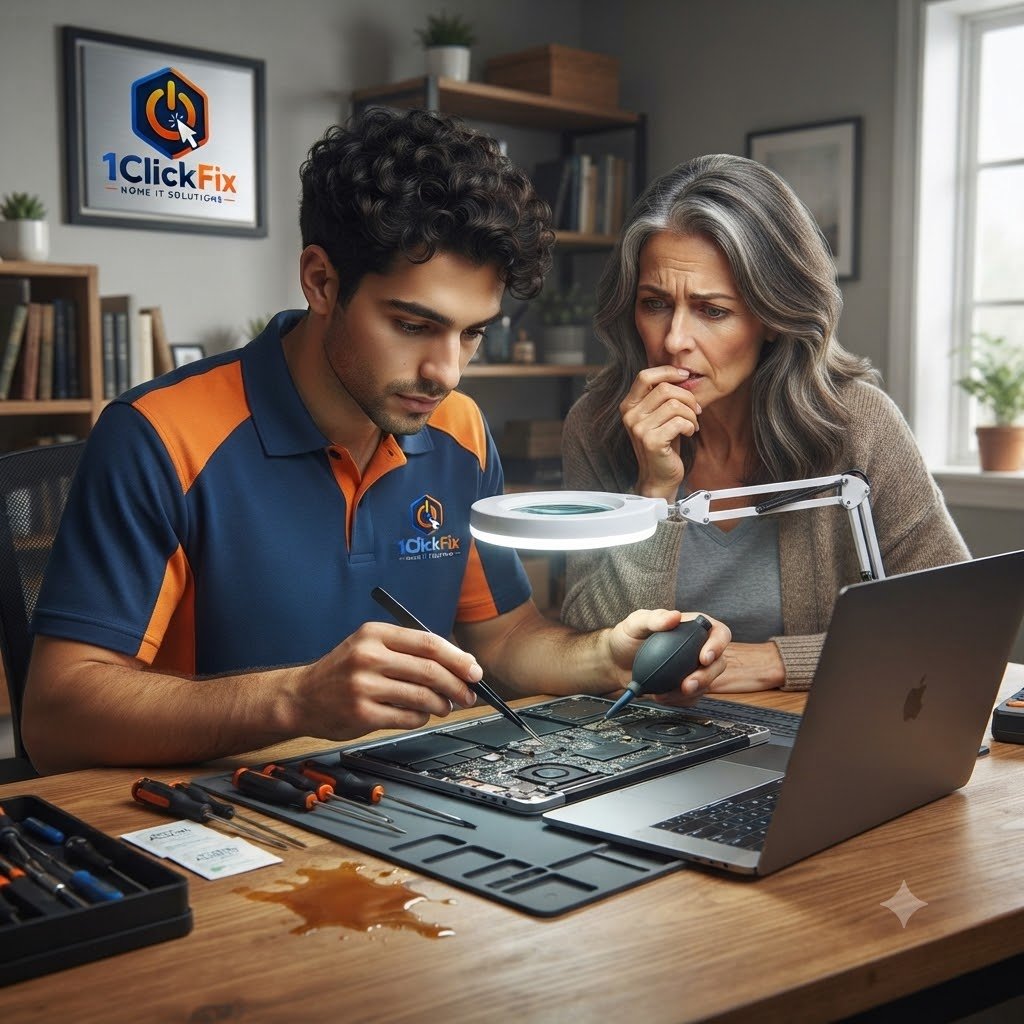
Professional laptop liquid spill assessment, internal damage inspection, recovery guidance, and data preservation support when possible.
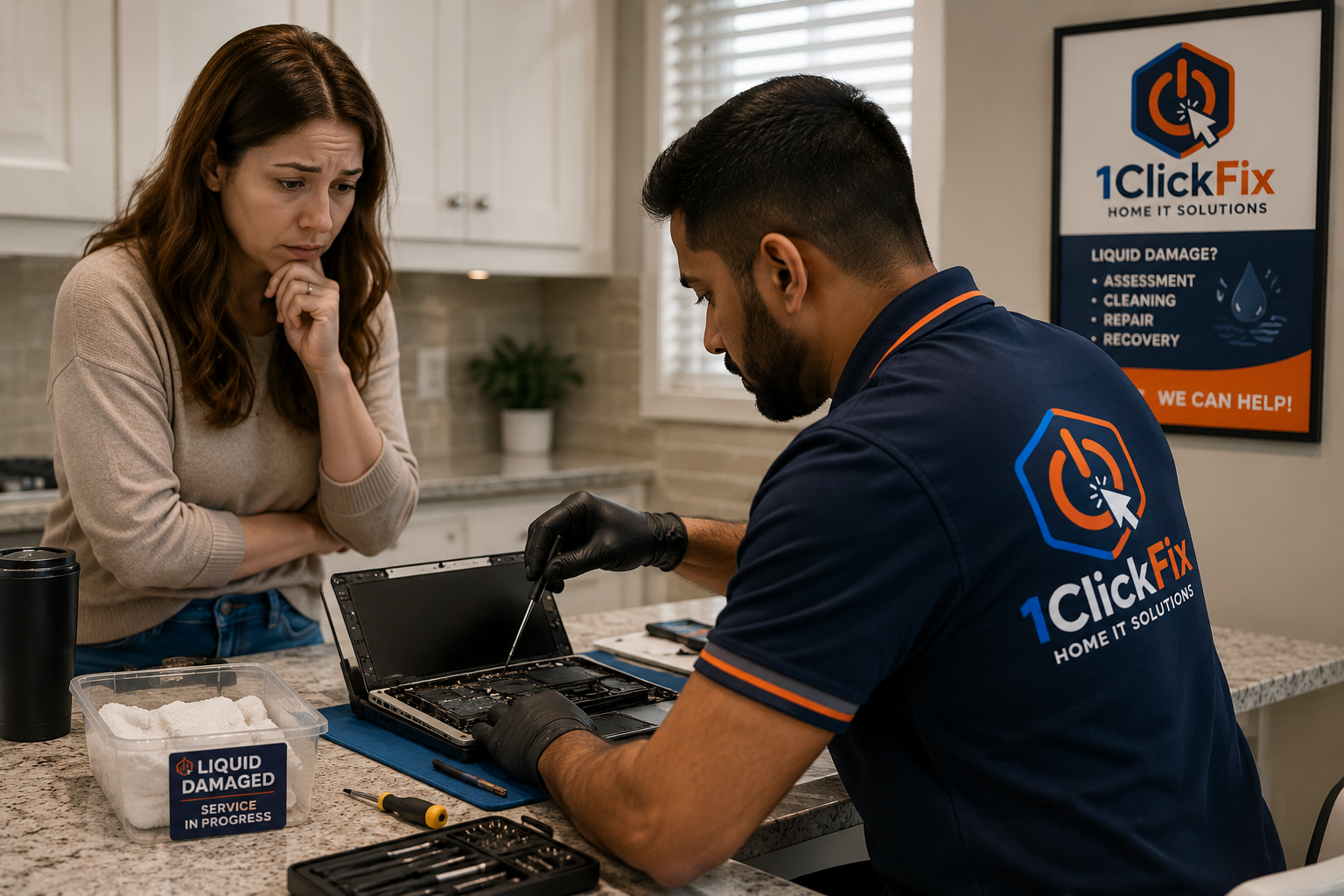
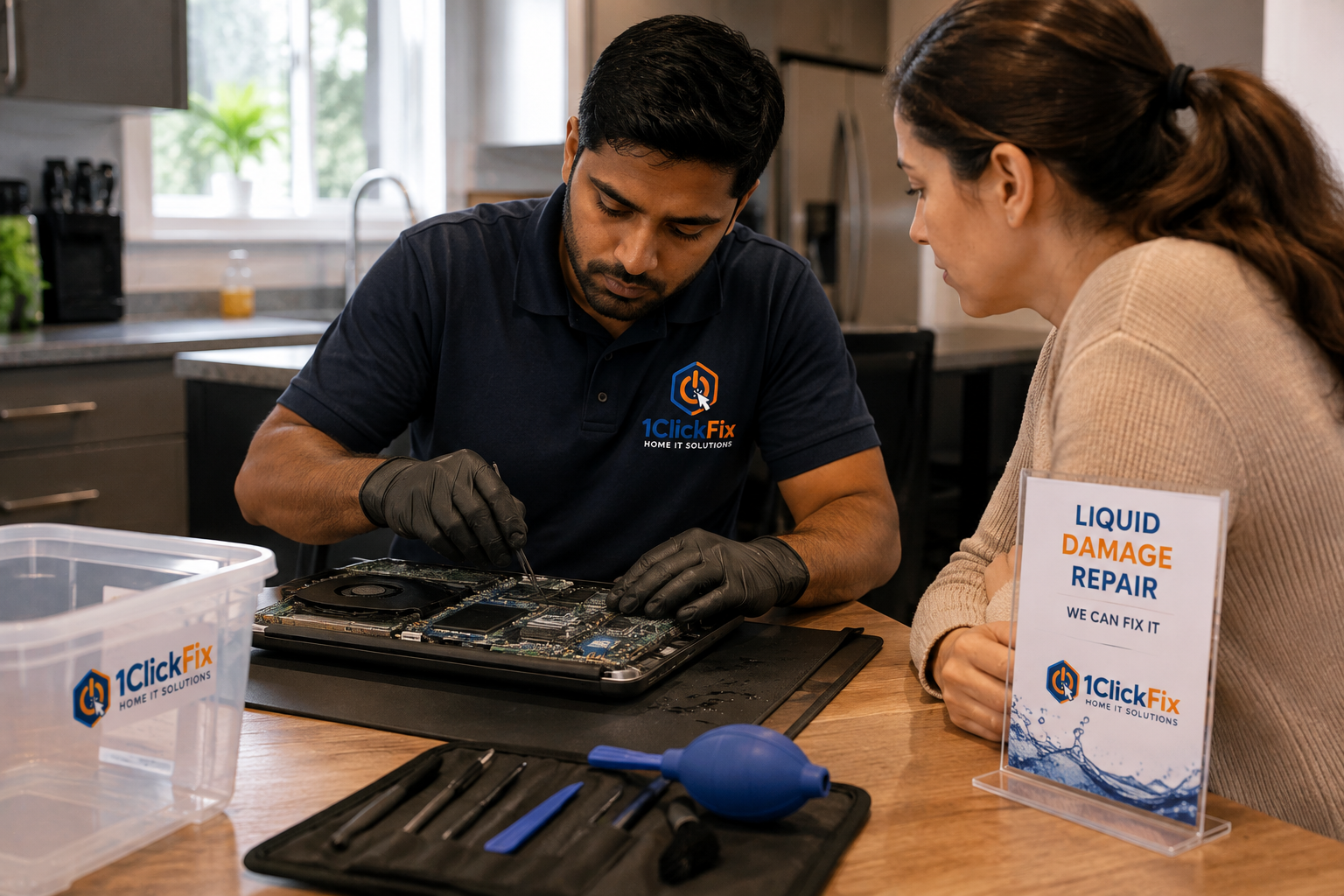
Spilled water, coffee, tea, or another liquid on your laptop? 1ClickFix provides liquid damage assessment, internal inspection, cleaning review, corrosion checks, repair options, and data preservation support.
Liquid exposure can affect multiple parts of a laptop at the same time, which is why the device is assessed before repair decisions are made. We focus on identifying what was affected, whether repair is practical, and whether important files should be prioritised.
Avoid repeatedly turning the laptop back on after a spill. Continued power can make electrical damage worse.
We review the device systematically so the next step is based on the actual condition of the laptop.
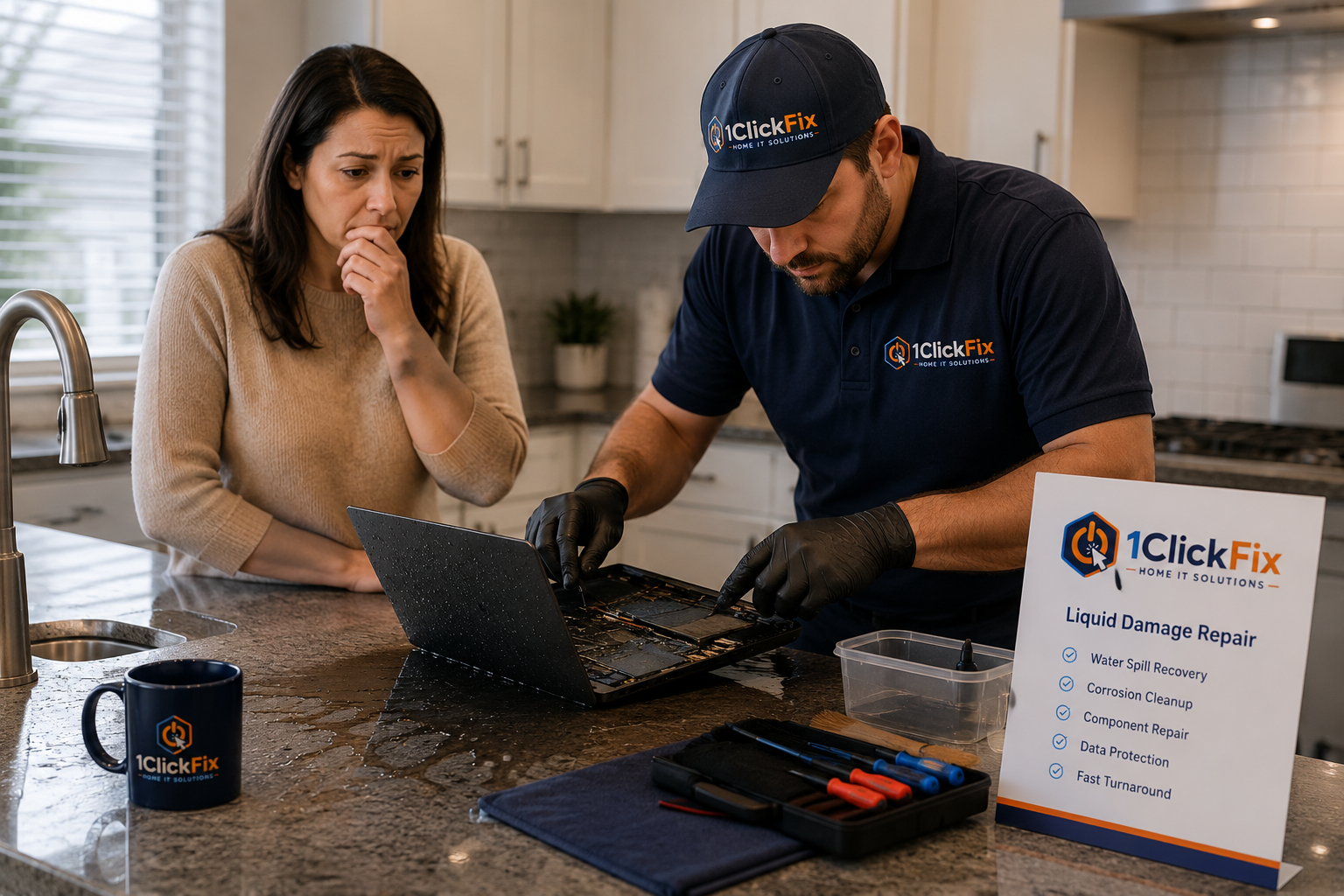
The service is quoted after assessment, with repair or recovery options explained before further work proceeds.
Everything below is part of the service — quoted upfront, with nothing added without your approval.
Reviewing the device condition after liquid exposure.
Checking visible internal areas for damage where applicable.
Identifying signs of corrosion or residue.
Assessing keyboard, trackpad, board-level symptoms, screen, and charging behaviour.
Checking whether important files can be recovered or protected.
Providing realistic next steps based on damage severity.
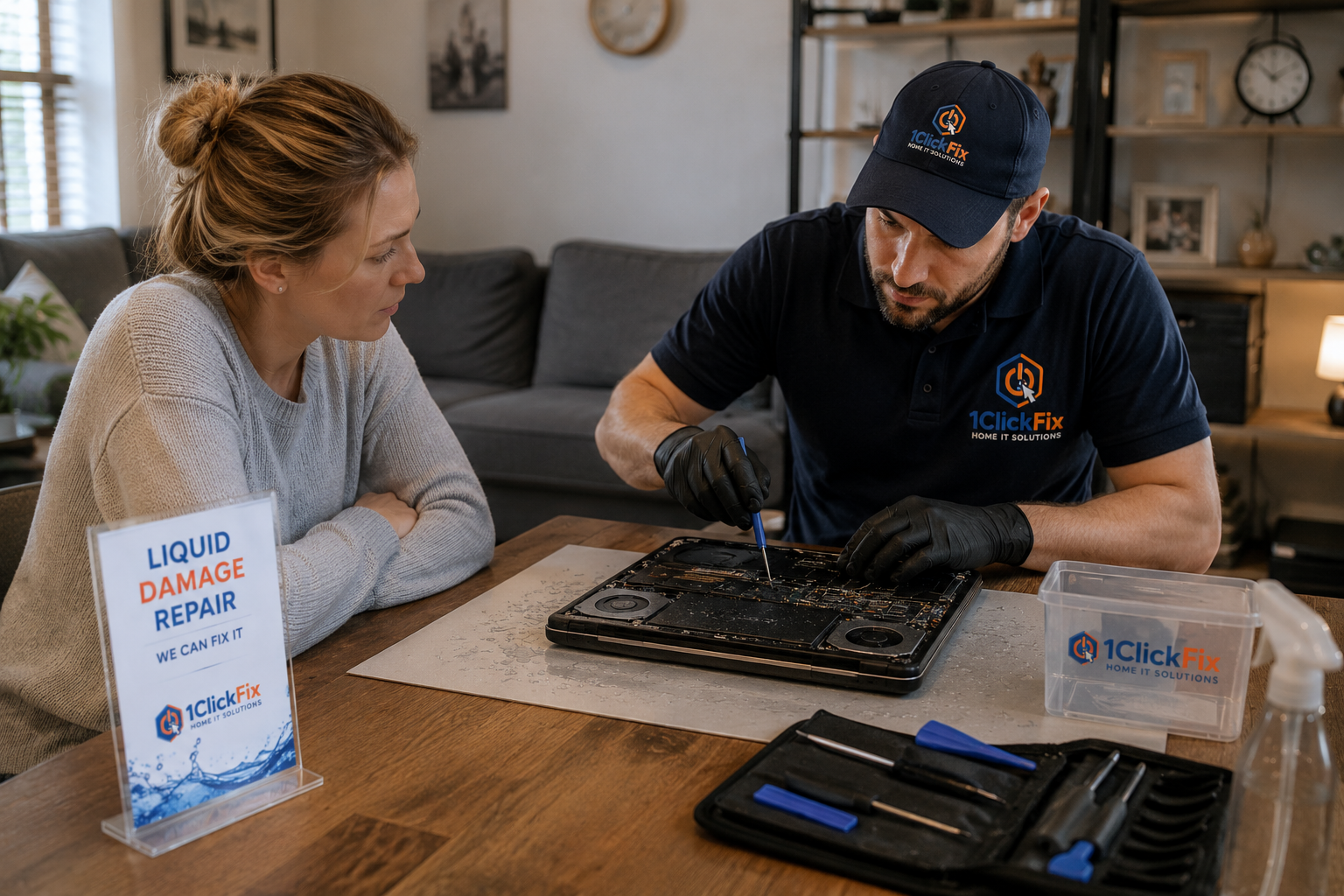
Liquid damage repairs are performed at our off-site repair facility due to the extensive cleaning, drying, testing and recovery procedures required. Customers must sign an Off-Site Repair Authorization before service begins. Repair, restoration or data recovery cannot be guaranteed.
Liquid can affect power, input devices, charging, display behaviour, and internal components.
Liquid damage can be unpredictable, so the focus is on careful assessment, realistic expectations, and protecting what matters most.
If the computer cannot be saved, protecting your personal files becomes the priority.
→We will not make unrealistic promises about liquid-damaged electronics.
→You receive a clear explanation of what was affected and what options exist.
→Devices handled off-site are tracked using inspection notes and documentation.
→Photos, documents, business files, and personal memories come first.
→Liquid damage becomes worse over time. We assess your device as quickly as possible to improve the chances of a successful repair or data recovery.
→We inspect for corrosion and moisture damage that may continue causing problems long after the initial spill.
→If repairing the laptop is no longer practical, we will explain your options honestly and focus on recovering your valuable data.
→Sensitive internal components are handled carefully throughout the inspection process to minimise the risk of additional damage.
→Clear advice. Realistic expectations. Your data and devices in safe hands.
Book a Service →The same transparent process on every job — you always know the cost and the plan before we touch anything.
Avoid further power-on attempts.
We inspect the laptop condition and symptoms.
We assess what areas may be affected.
We explain whether repair is practical.
You receive clear recommendations before any further work.
The system is tested to confirm stability and improved performance.
Power it off, disconnect the charger, and let 1ClickFix assess the damage before more problems develop.