SSD Upgrades
Upgrade compatible storage to improve startup times, application loading, and everyday responsiveness.
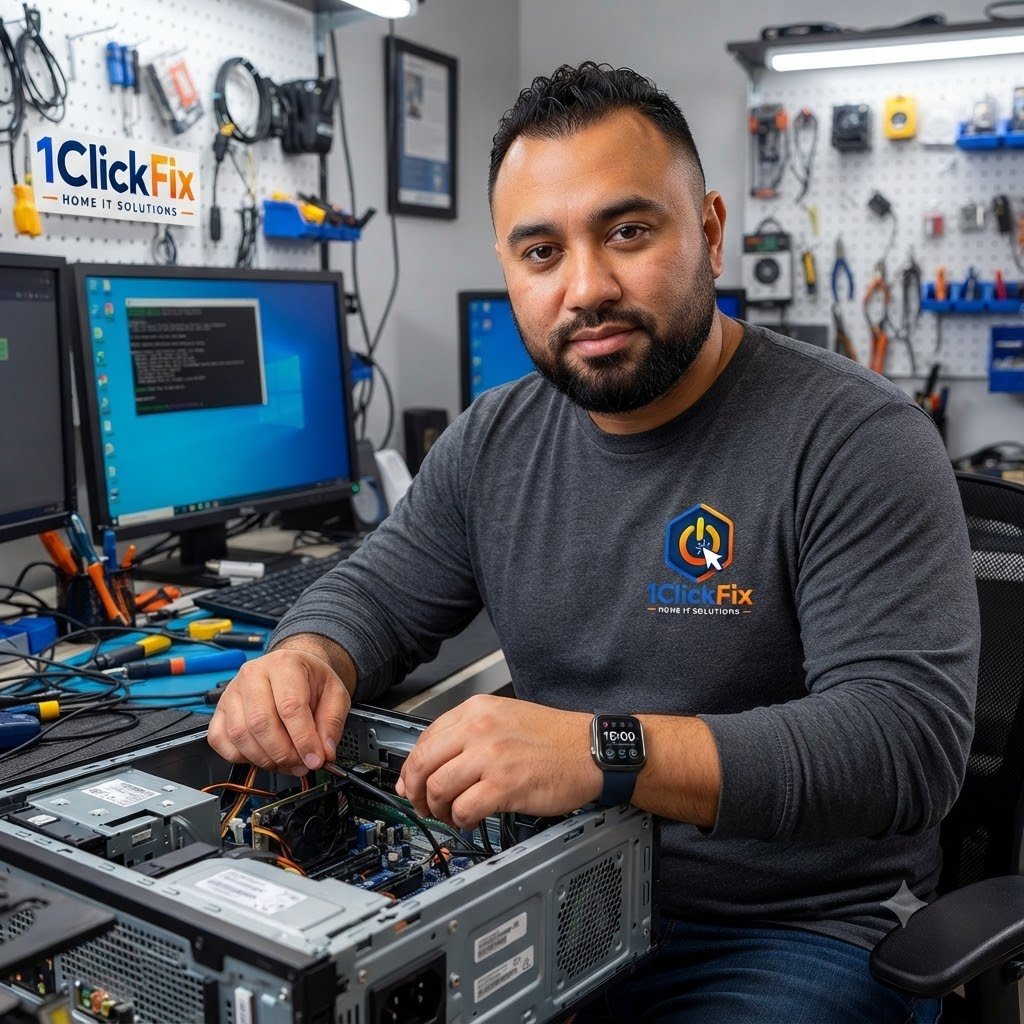
Upgrade your computer instead of replacing it with practical hardware repairs and performance-focused component upgrades delivered across Edmonton and surrounding communities.
A slow or ageing computer may not always need to be replaced. 1ClickFix provides hardware repair and upgrade services including SSD upgrades, RAM upgrades, component replacement, laptop hardware repair, and cooling system maintenance.
We assess the existing hardware, check compatibility, and recommend practical improvements.
Get better speed, reliability, and a longer useful life for your computer.
Our goal is to keep your computer running smoothly and working like new again.
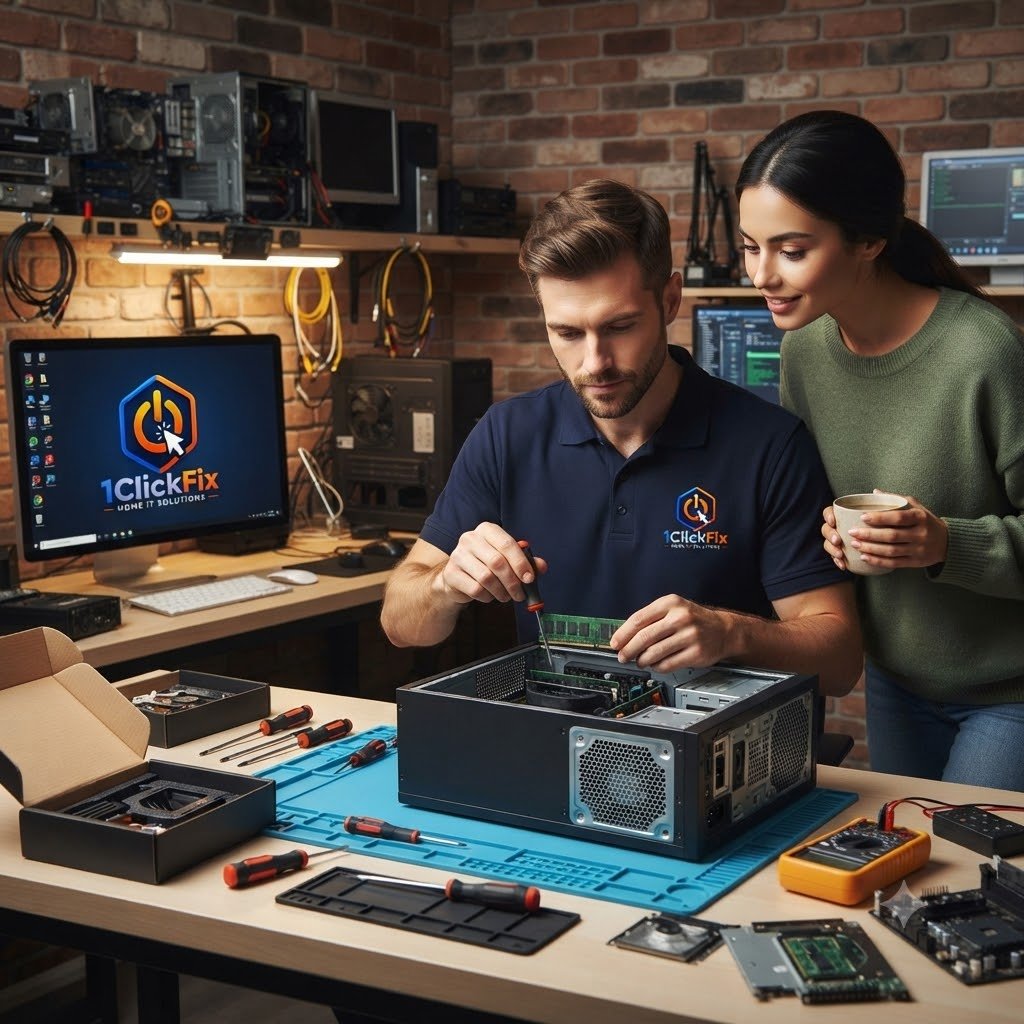
We assess your computer first and recommend only hardware improvements that make practical sense.
From storage and memory upgrades to cooling, laptop hardware, power components, and post-upgrade
testing, we help improve and repair the physical hardware inside your computer.
Upgrade compatible storage to improve startup times, application loading, and everyday responsiveness.
Add or replace compatible memory to improve multitasking and overall system performance.
Assess and replace supported desktop power supplies when power-related faults are identified.
Replace compatible cooling fans that are noisy, failing, or no longer providing adequate airflow.
Inspect cooling, airflow, dust buildup, fans, and thermal conditions that can affect reliability.
Assess supported laptop keyboard faults and practical repair or replacement options.
Investigate laptop touchpad problems, connection issues, and supported hardware-related faults.
Review laptop hinges, casing condition, mounting points, and visible physical damage.
Confirm that proposed replacement or upgrade parts are suitable for your computer before installation.
Test the computer after hardware work to verify stability, recognition, and expected performance.
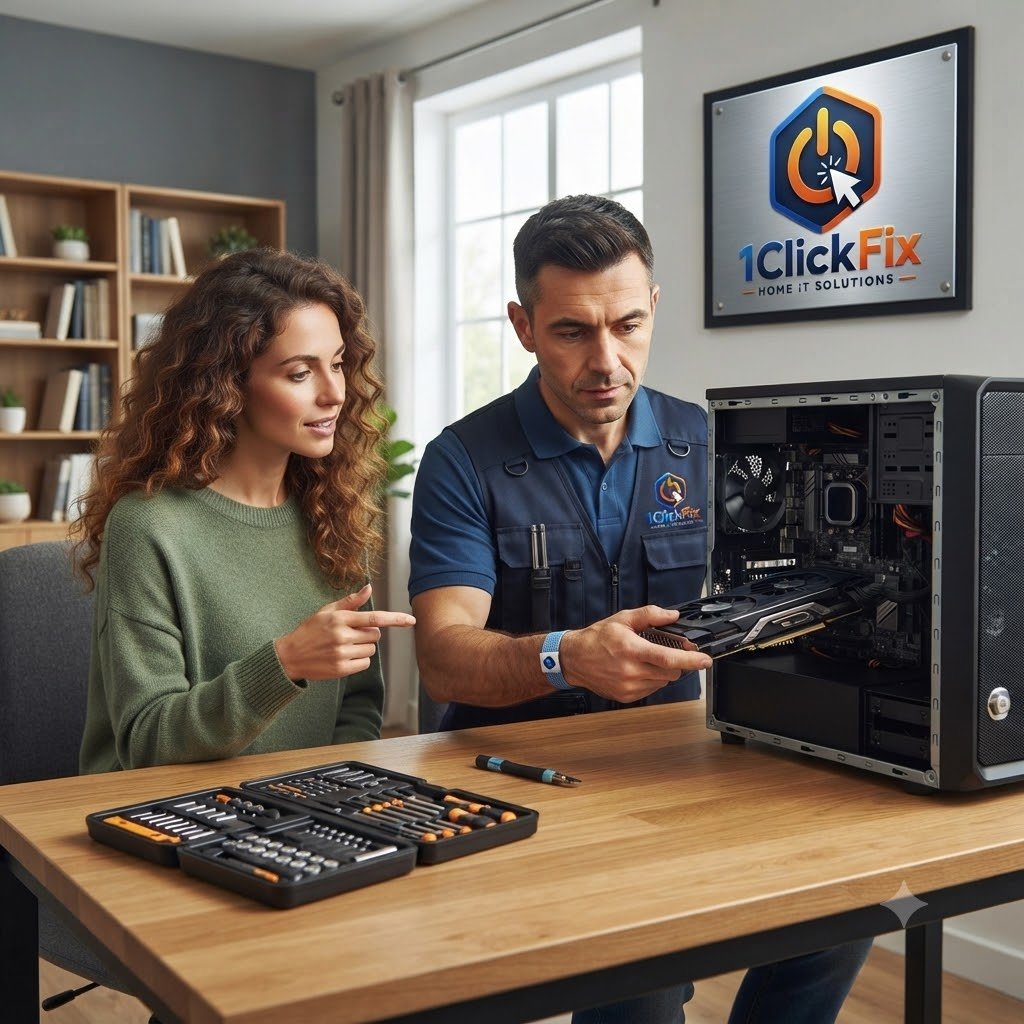
Tell us what is slow, failing, noisy, overheating, or no longer meeting your needs. We will review the system and explain the most practical repair or upgrade options.
Everything below is part of the service — quoted upfront, with nothing added without your approval.
Reviewing whether an SSD upgrade can improve speed and responsiveness.
Checking whether memory upgrades can improve multitasking and performance.
Replacing compatible parts such as power supplies, fans, storage drives, or other supported components.
Checking RAM, SSDs, hard drives, cooling, temperatures, and power-related symptoms. Inspecting fans, airflow, dust buildup, and thermal performance.
Assessing keyboards, touchpads, hinges, and internal laptop components.
Confirming parts are suitable before installation.
Testing the computer after hardware changes are completed.
Hardware symptoms can come from ageing components, insufficient resources, cooling problems, or failing parts. We assess the condition before recommending what should be changed.
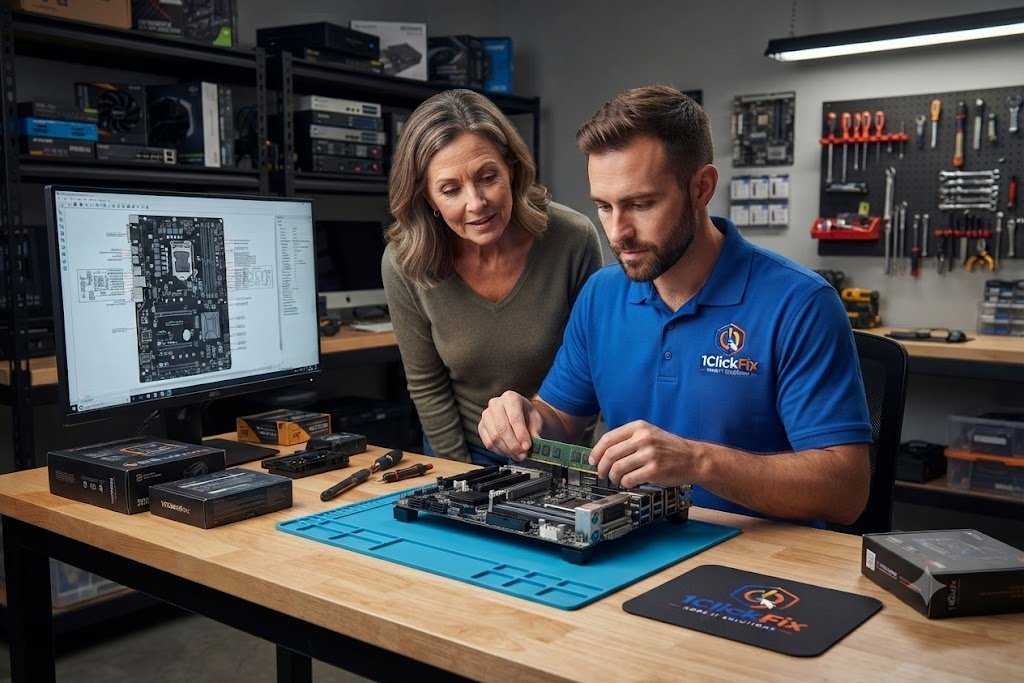
We check the condition of the hardware first so the repair or upgrade recommendation is based on the actual fault.
Hardware upgrades should provide meaningful value. Our recommendations focus on compatibility, reliability, real-world performance gains, and protecting your investment.
We only recommend upgrades that provide real-world performance improvements.
Many customers can save money by upgrading existing hardware instead of buying a new computer.
We verify compatibility before ordering or installing parts.
Every recommendation is based on value, reliability, and performance gains.
Recommendations are based on your needs, not product commissions.
We source reliable, compatible replacement parts suited to your specific computer model whenever possible.
Our goal is to help you get the maximum value and lifespan from your existing computer.
After installation, we thoroughly test the upgraded hardware to ensure everything performs correctly.
If an upgrade is not worthwhile, we will explain why and recommend the most practical option for your budget.
The same transparent process on every job — you always know the cost and the plan before we touch anything.
We review current system performance and symptoms.
We check hardware condition and upgrade options.
Parts are verified before ordering or installation.
You receive honest advice on repair, upgrade, or replacement.
Approved parts are installed carefully.
The computer is tested after the upgrade or repair.
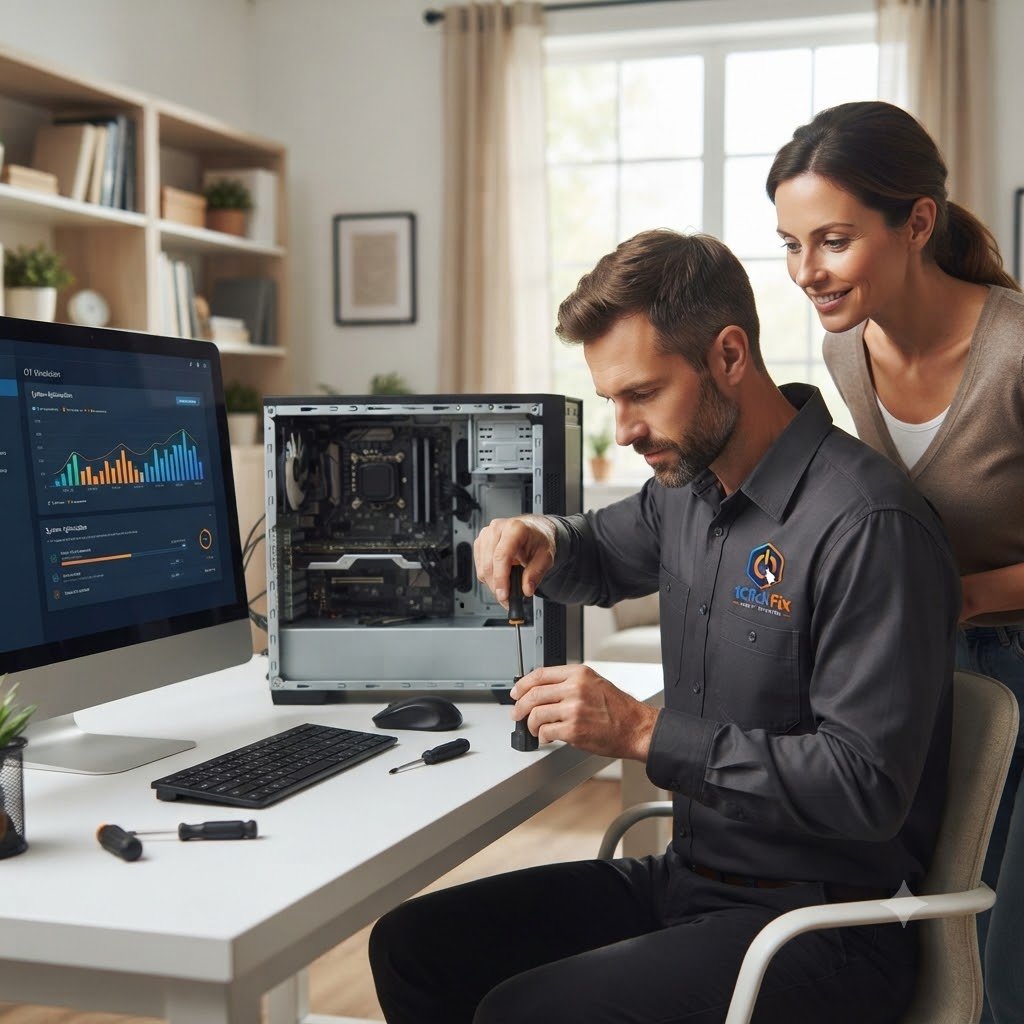
Answers to common questions about our hardware repair and upgrade service.
Request your hardware repair or upgrade appointment and let 1ClickFix assess your computer, explain the best options, and help improve performance, reliability, and lifespan.