
Slow Computer Investigations
Identifying common hardware, software and system causes of poor computer performance.
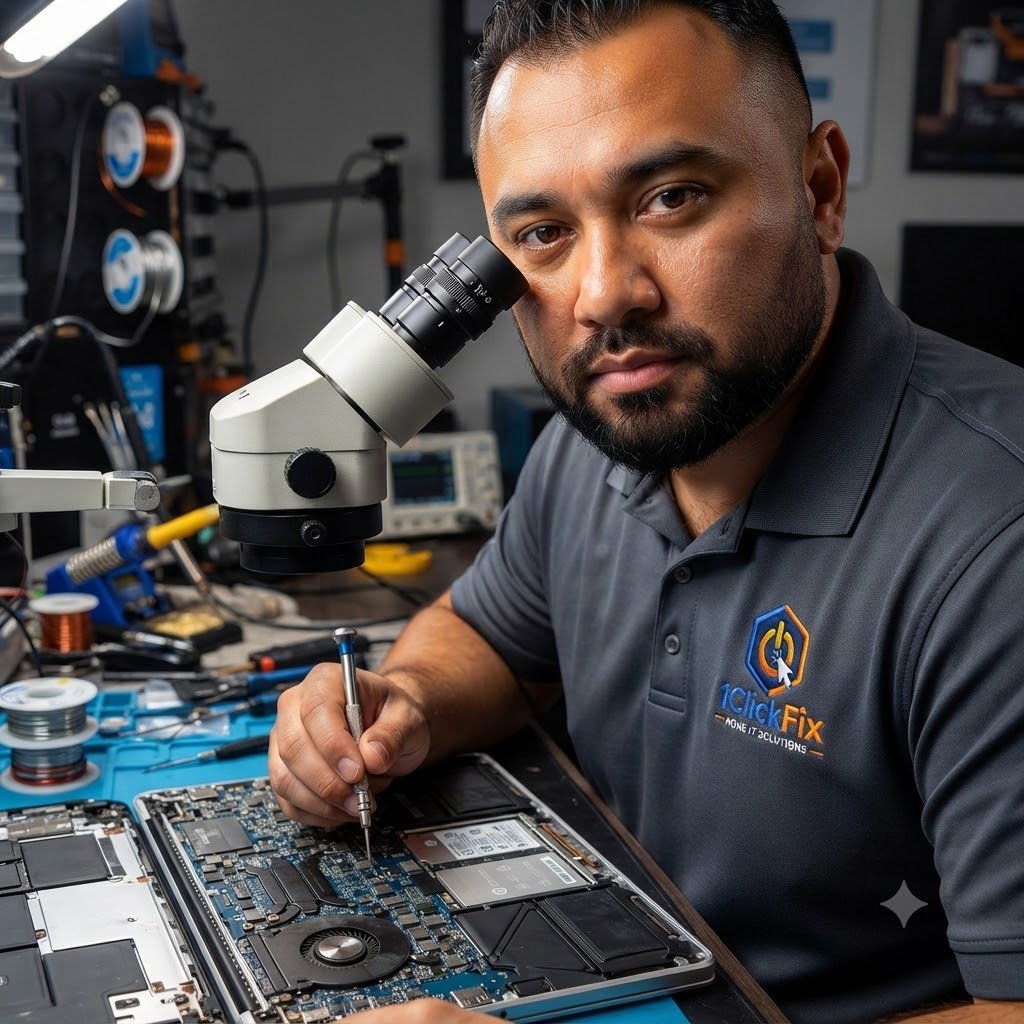
Professional computer diagnostics and repair services delivered directly to your home across Edmonton and surrounding communities.
Is your computer running slow, freezing, crashing, displaying error messages, or simply not performing the way it should?
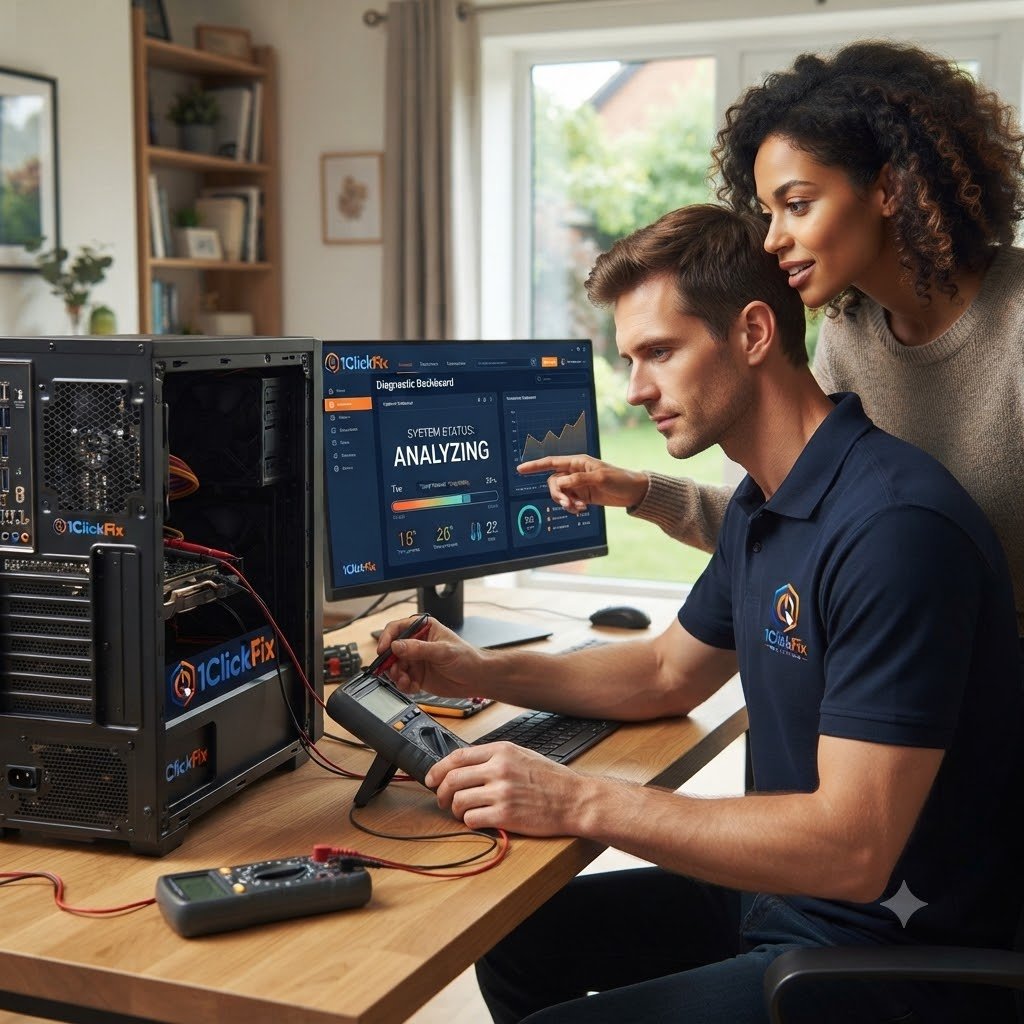
1ClickFix provides comprehensive computer diagnostics and troubleshooting services to identify the root cause of hardware, software, Windows, and performance-related issues.
Whether you use your computer for work, school, gaming, banking, or everyday browsing, we help keep it reliable, secure, and performing at its best.
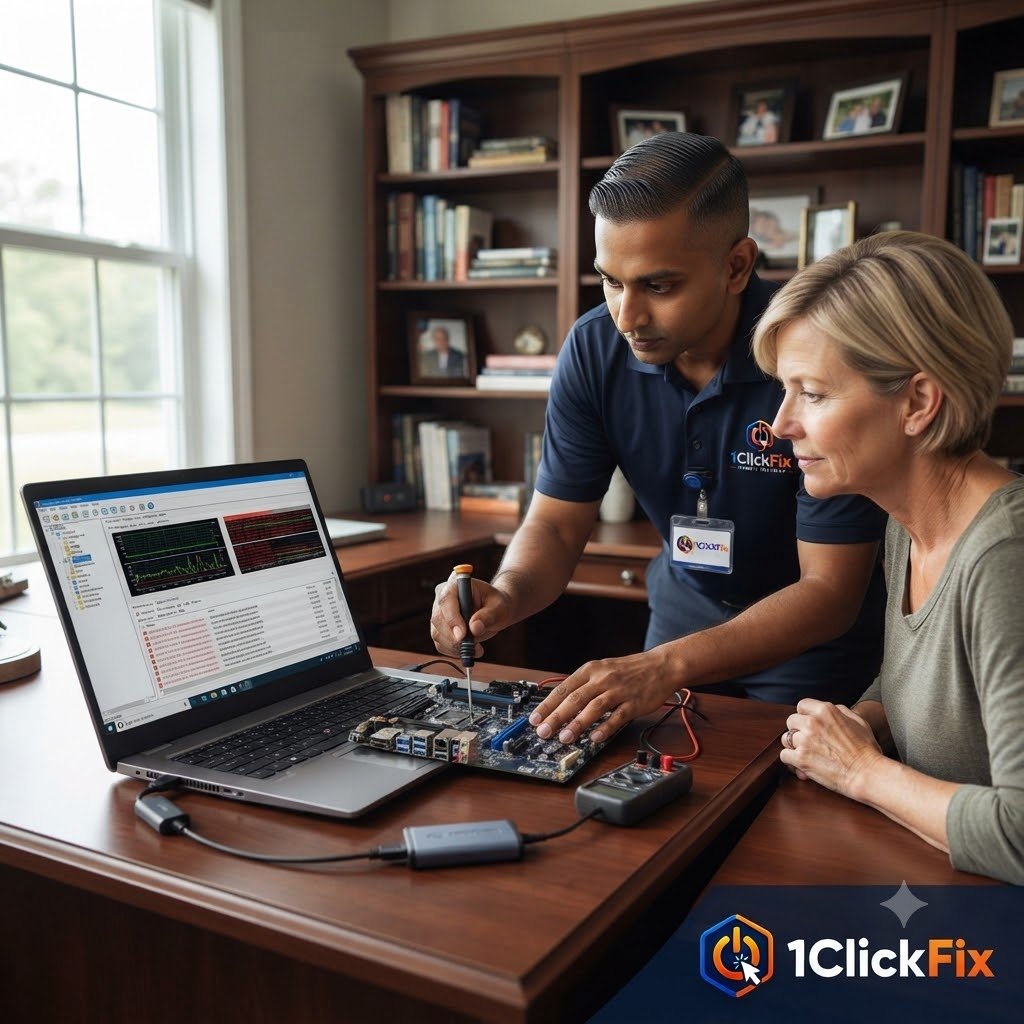
We identify the underlying problem before recommending repairs or replacement.
From slow performance and startup failures to hardware, Windows, software and peripheral problems, we investigate the complete system instead of guessing at the cause.
Identifying common hardware, software and system causes of poor computer performance.
Troubleshooting systems that fail to start, continuously restart or cannot load Windows.
Investigating Windows performance, configuration, background activity and operating system issues.
Diagnosing Blue Screen of Death errors, system instability, hardware problems and drivers.
Reviewing the health and condition of important computer hardware components.
Checking temperatures, cooling performance, fan behaviour and overheating symptoms.
Investigating application failures, software errors and recurring system messages.
Diagnosing problems with external devices, accessories, displays, printers and USB equipment.
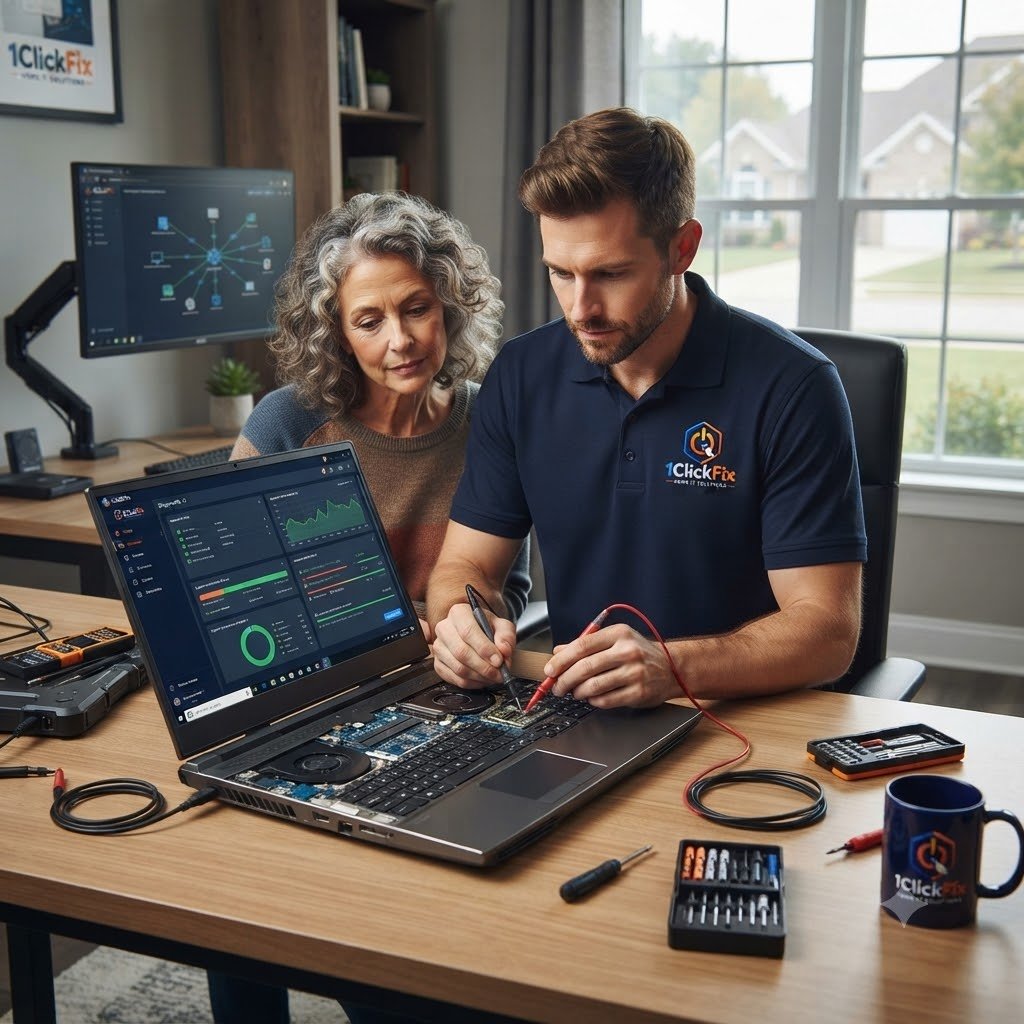
Everything below is part of the service — quoted upfront, with nothing added without your approval.
Testing of hardware, Windows health, storage, memory, drivers, and overall system performance.
Reviewing startup items, background processes, and common causes of slow performance.
Resolving boot failures, startup loops, Windows loading issues, and recovery mode problems.
Checking RAM, SSDs, hard drives, cooling, temperatures, and power-related symptoms.
Diagnosing crashes, freezing, random restarts, application failures, and instability.
Resolving issues involving printers, monitors, keyboards, webcams, speakers, USB devices, and external drives.
Computer problems can have many different causes. We work through the symptoms systematically to find out what is actually happening.
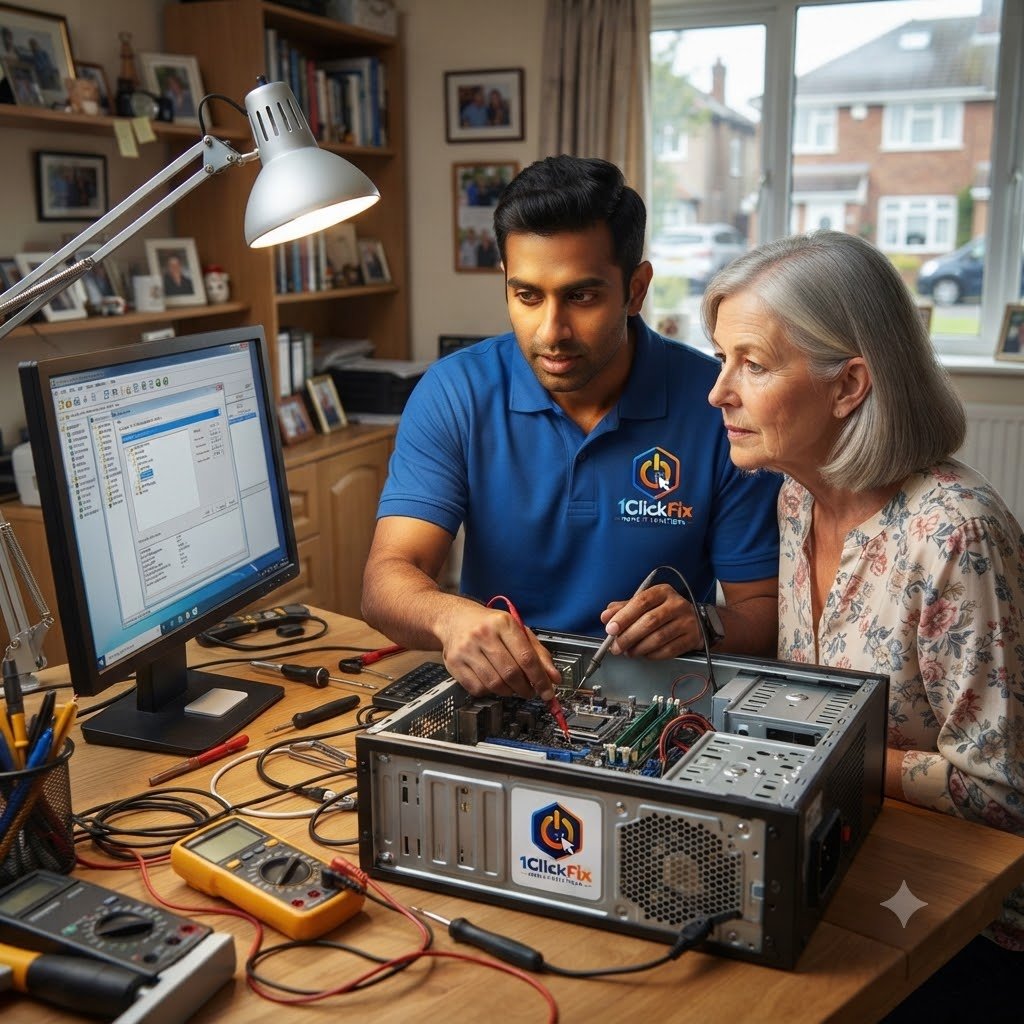
Professional troubleshooting should give you answers, not more questions. Our approach focuses on accurate diagnosis, clear communication and practical solutions.
Many repair shops jump straight to replacing parts. We perform a thorough investigation to identify the actual cause before recommending repairs.
If repairing your computer does not make financial sense, we will tell you. Our goal is to help you make the best decision, not sell unnecessary repairs.
We apply the same structured troubleshooting approach used in enterprise IT environments to residential technology issues.
You will understand what failed, why it failed, and what options are available without technical jargon.
The same person diagnosing your issue is the person repairing it.
As an on-site service, we treat your home with professionalism and care. We work neatly, protect your space, and leave the work area clean before we leave.
Every repair or optimisation is thoroughly tested to confirm the issue has been resolved before the job is considered complete.
Before any repair work begins, we clearly explain the issue, our recommendations, and any associated costs.
We focus on identifying the root cause and providing practical advice to help prevent the issue from happening again.
The same transparent process on every job — you always know the plan before we touch anything.
We discuss the issues you are experiencing and gather information about the symptoms.
A full diagnostic assessment is performed to identify the root cause.
You receive a straightforward explanation of what was found.
We explain repair, upgrade, or replacement options.
Where possible, repairs and optimisation work are completed during the visit.
The system is tested to confirm stability and improved performance.
Answers to common questions about our computer diagnostics and troubleshooting service.
Request your computer diagnostics appointment and let 1ClickFix identify the problem, explain your options, and help get your system working properly again.