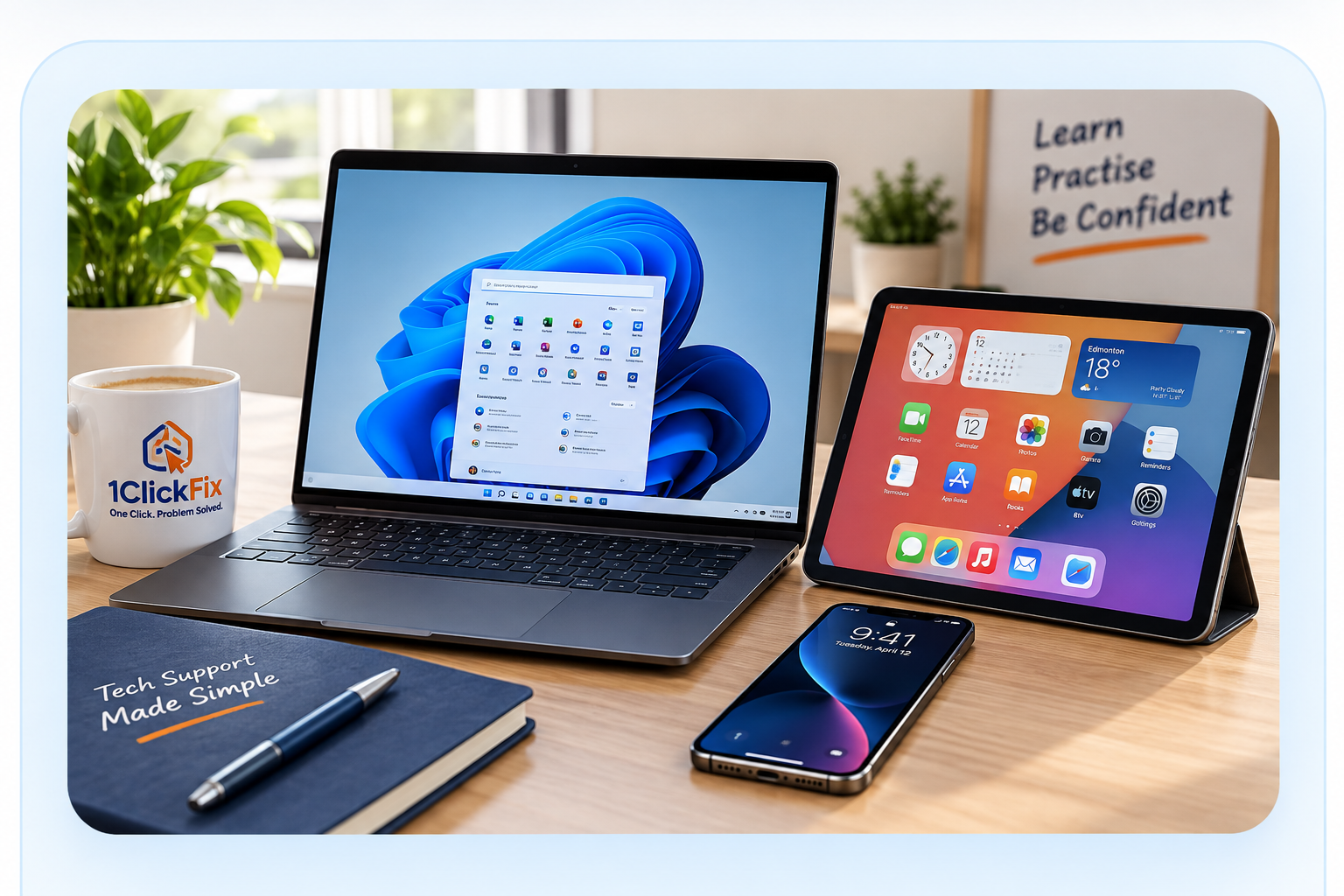
Windows & Files
Get comfortable
with your computer.
- Basic navigation
- File and folder help
- Attachments & downloads
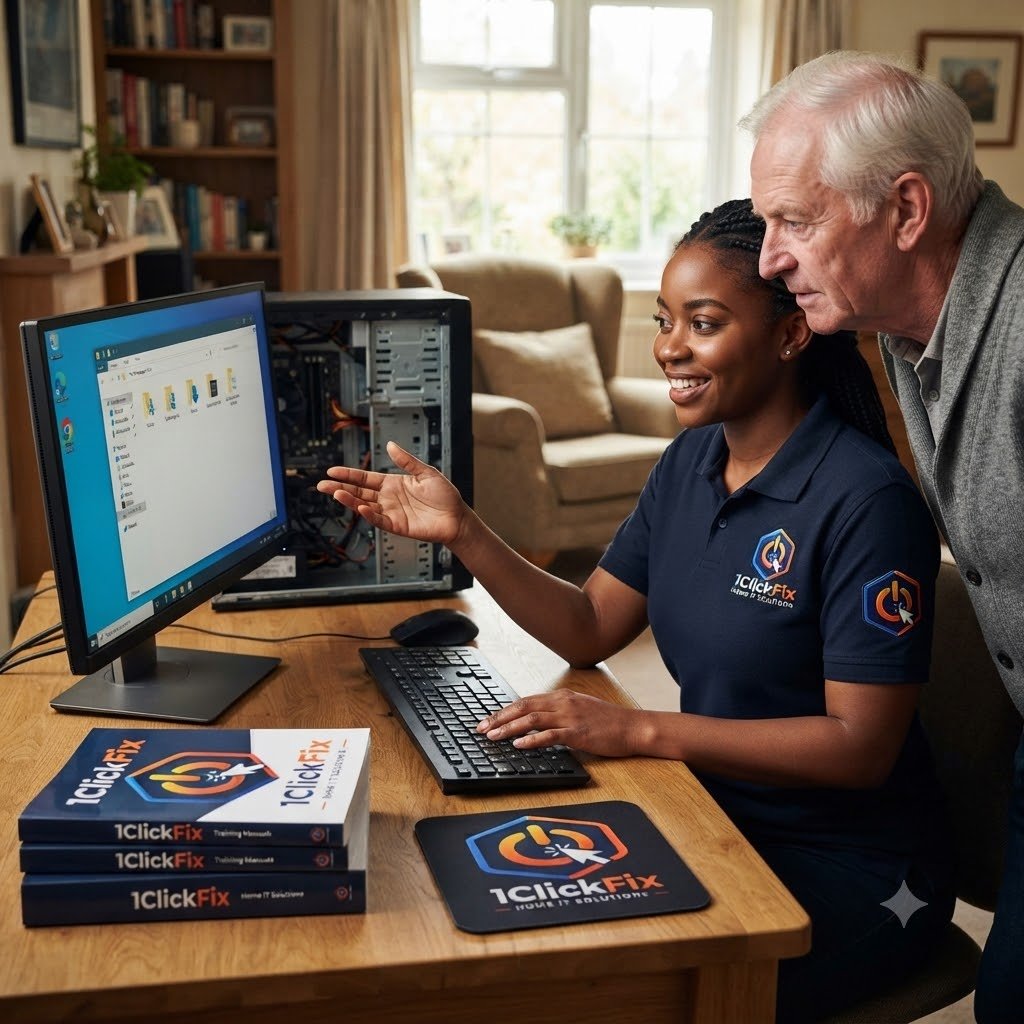
Patient one-on-one computer training for everyday skills, email, files, Microsoft Office, safer internet use, video calling, and building confidence with your technology.
Technology should feel helpful, not overwhelming. 1ClickFix provides friendly one-on-one training for basic computer use, email, internet safety, video calling, Microsoft Office basics, file management, photo management, and scam awareness.

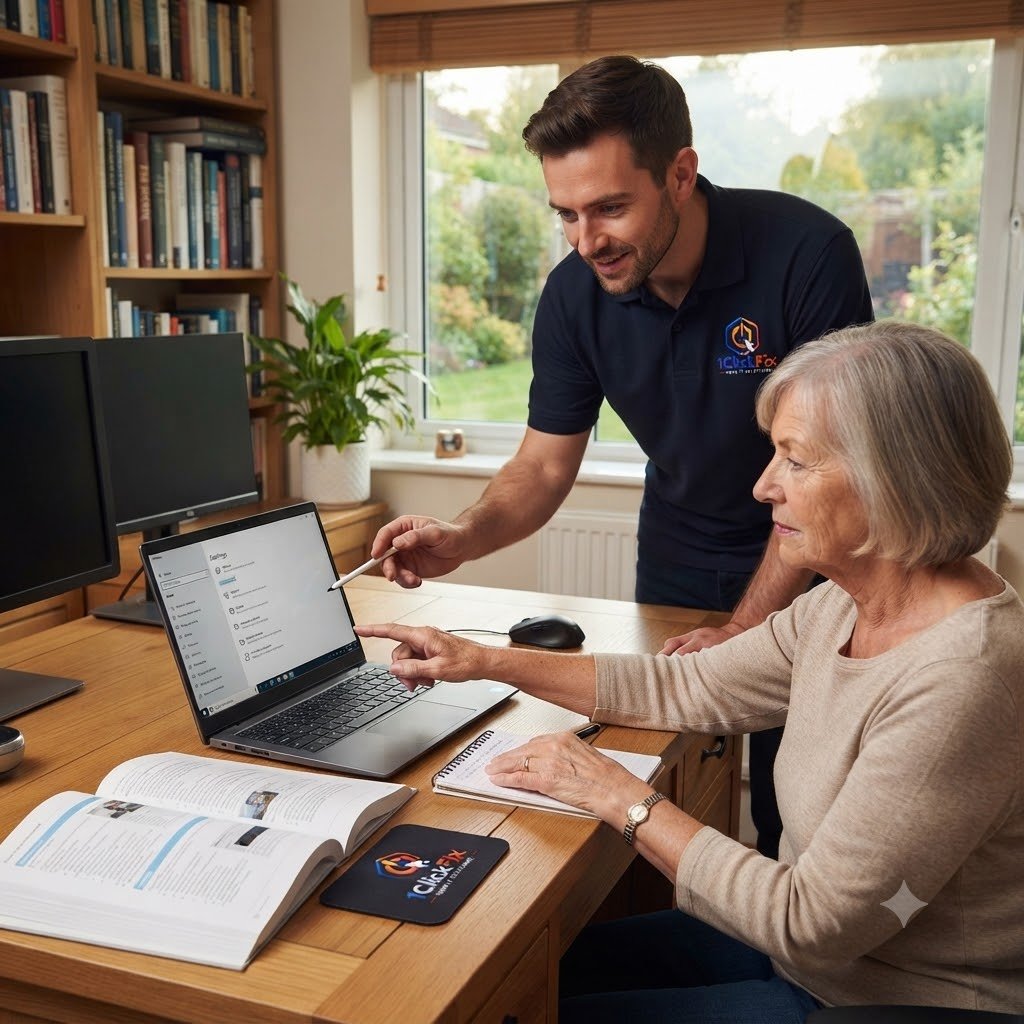
Learn the skills you need, at your pace, with friendly one-on-one support.
We make technology easy, useful and stress-free.
Get comfortable
with your computer.
Stay connected
with confidence.
Work, create
and organize easily.
Learn to stay safe
and feel in control.
Train on what you
actually use.
No rushing or pressure.
Explain clearlyWe break it down
in simple terms.
DemonstrateWe show you
step by step.
Practise togetherYou try it with
guidance.
Repeat anything unclearWe're patient and
happy to go over it.
Tell us what you would like to learn and we can shape the session around your comfort level, devices, and everyday goals.
Everything below is part of the service — quoted upfront, with nothing added without your approval.
Learning Windows navigation, files, folders, and everyday computer use.
Sending, receiving, organising, and managing email.
Learning safer browsing habits and how to avoid suspicious websites.
Using Teams, Zoom, or similar tools where applicable.
Basic help with Word, Excel, and everyday document tasks.
Organising photos, documents, folders, and backups.
Learning how to identify fake pop-ups, phishing emails, and suspicious phone scams.
Providing simple notes where helpful for future reference.
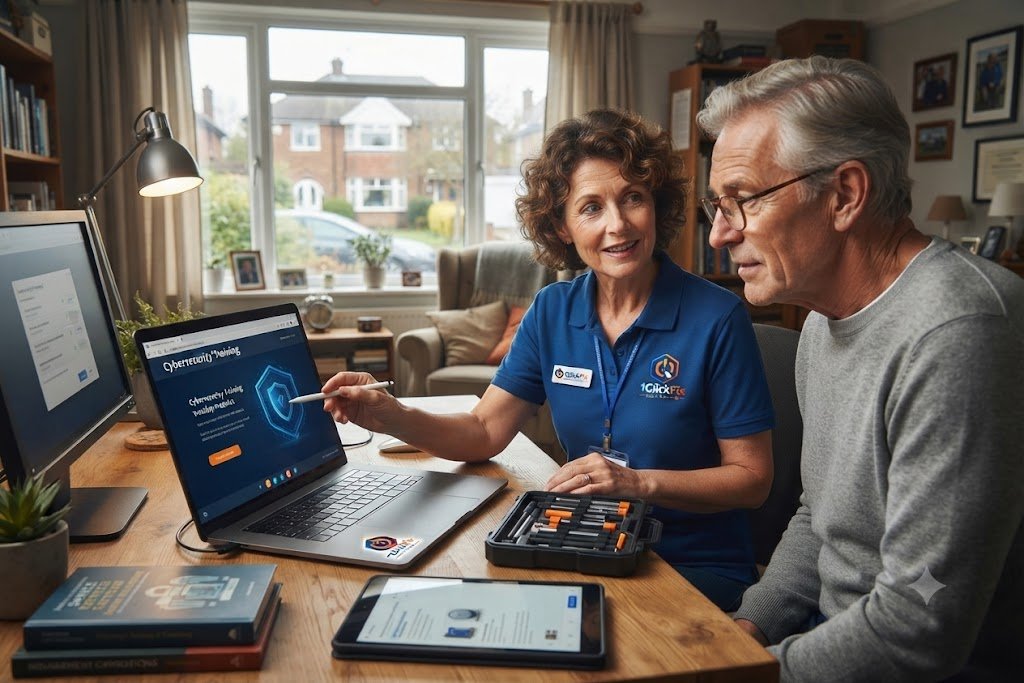
Technology can be frustrating at times. Here are some common challenges we can work through together with patient, practical guidance.
Build confidence and make everyday computer use easier.
Stay connected with family, friends and businesses.
Keep your files, photos and documents organised.
Use technology confidently and securely.
More than just tech support — we help you build real skills for everyday life.
No rushing. No pressure.
Lessons are adapted to your comfort level.
Focused on things you will actually use every day.
Helpful references after your session.
The goal is not just teaching technology. It is helping you feel comfortable using it.
Every session is customised around your goals, interests, and experience level.
We teach using practical, everyday situations that make learning easier to remember.
We take the time to explain technology clearly without rushing or overwhelming you.
Our aim is to give you the confidence and knowledge to solve everyday technology challenges on your own.
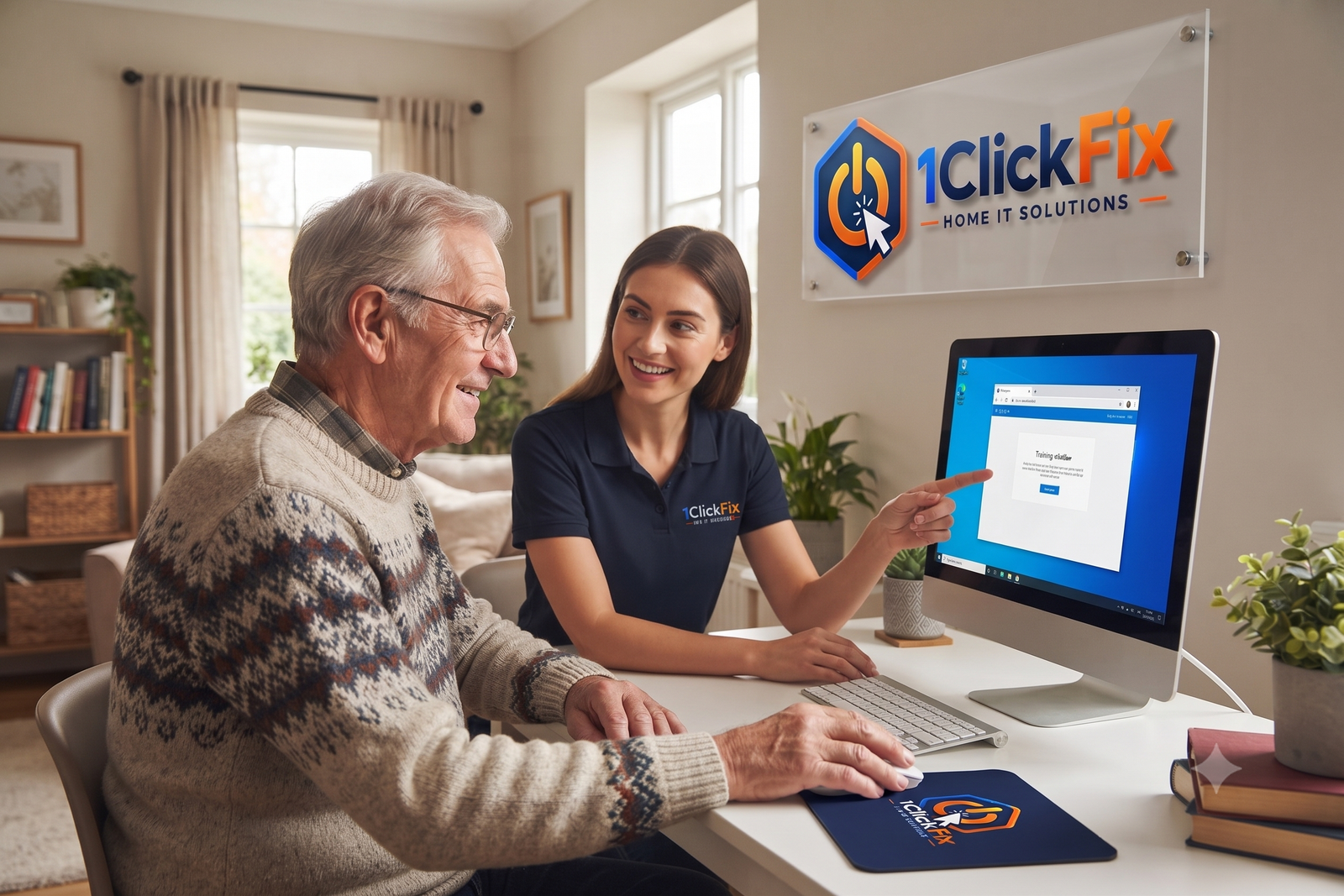
The goal is not to rush through a checklist. We focus on the tasks that matter to you, demonstrate them clearly, let you practise, answer questions, and provide simple notes where helpful.
The same transparent process on every job — you always know the cost and the plan before we touch anything.
We discuss what you want to learn.
Training is adapted to your comfort level.
We show each task clearly.
You practise with support.
We answer questions at your pace.
Written notes can be provided where helpful.

Whether you want help with Windows, email, files, Office, photos, video calls, browsing, or online safety, your session can be shaped around the things you actually want to learn.