
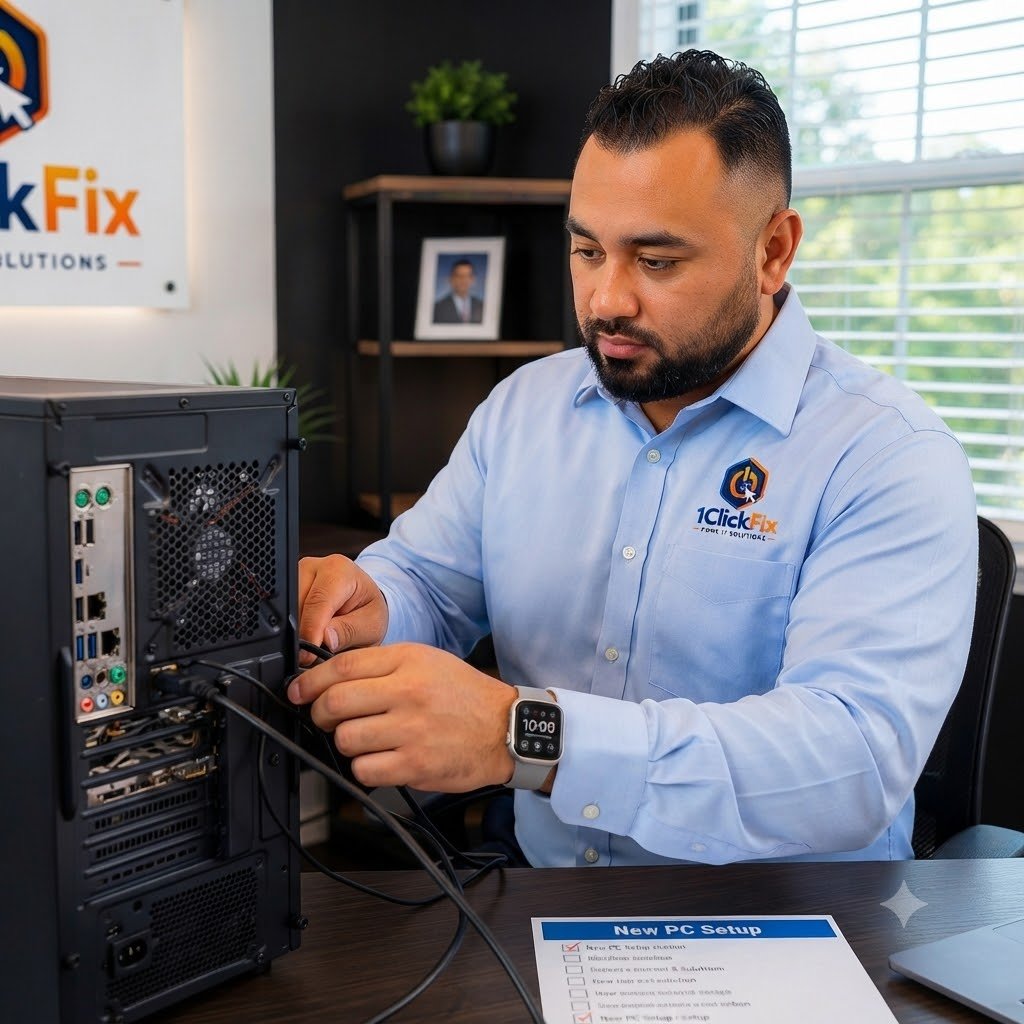
New Device Setup & Configuration
Professional setup for new computers, phones, tablets, and everyday devices, including accounts, updates, software, accessories, and ready-to-use configuration.
From New-In-Box To Ready For Everyday Use.
Bought a new computer or device? 1ClickFix helps set it up, transfer files, install software, connect accessories, configure email, and make the device ready to use.
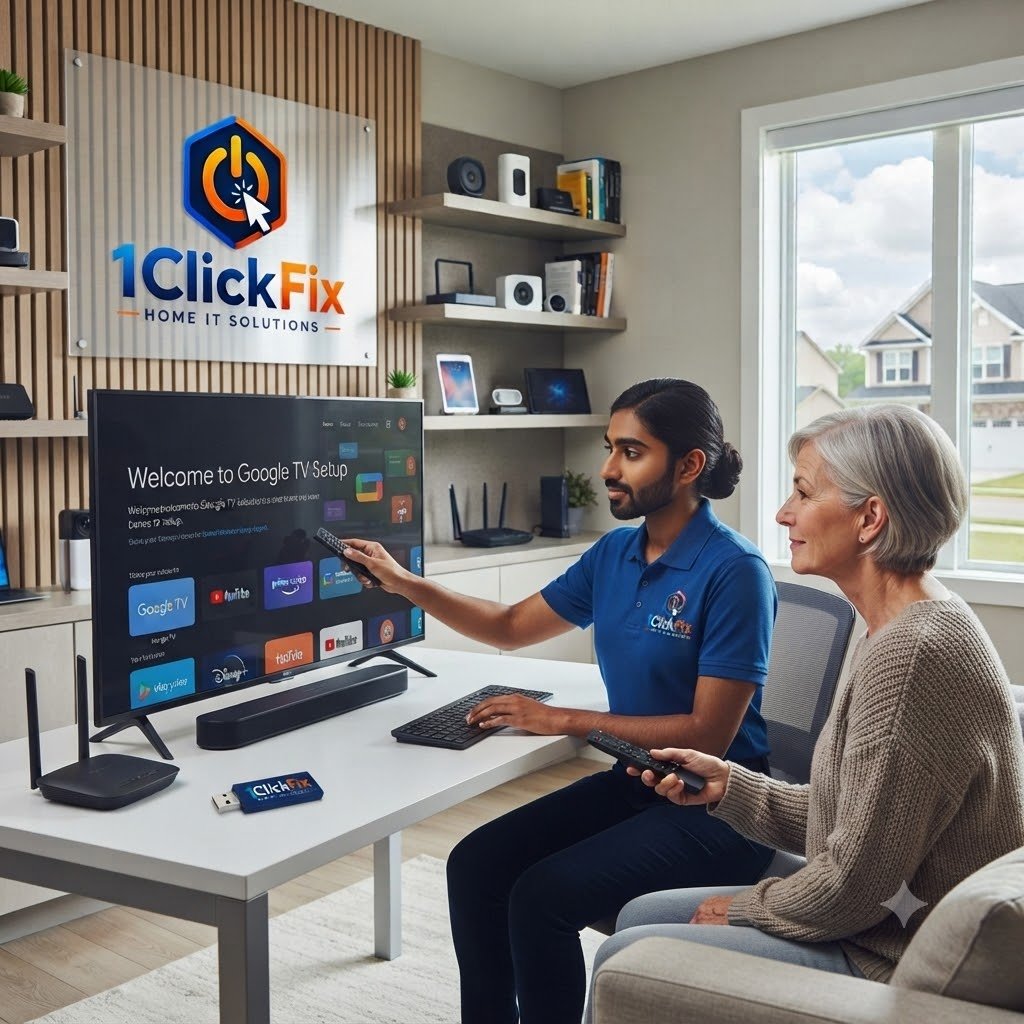
Everything Needed To Turn A New Device Into Your Device.
Setup covers the everyday pieces that make a new computer, phone, or tablet useful from the first day.
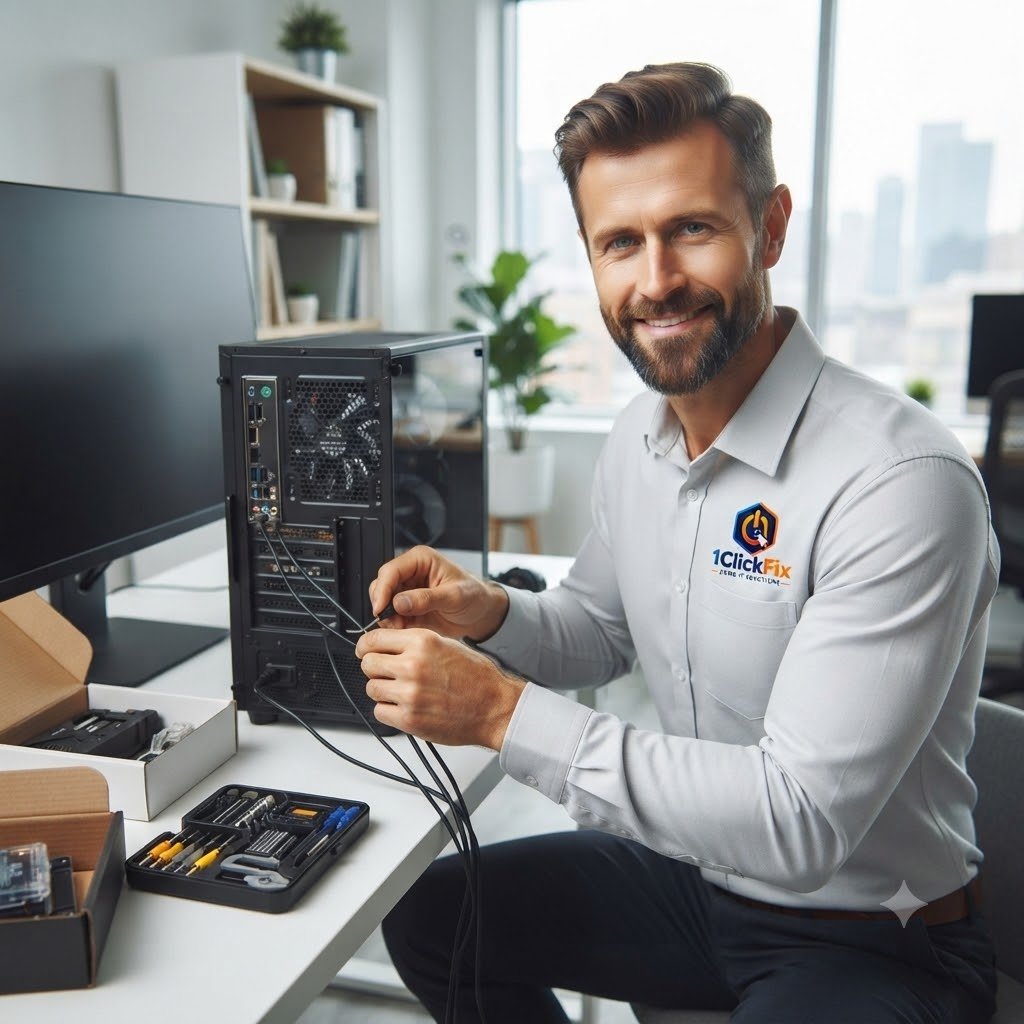
Want the new device ready without spending hours setting everything up?
We can configure the device, transfer accessible files, reconnect supported accessories, and walk you through the finished setup.
The Core Setup Tasks Included In Your Service.
Everything below is part of the service — quoted upfront, with nothing added without your approval.
Initial Device Setup
Configuring your new computer, phone, tablet, or supported device.
Data Migration
Transferring personal files where accessible and appropriate.
Software Installation
Installing essential applications and updates.
Email Configuration
Setting up Outlook, Gmail, or other supported email accounts.
Printer & Accessory Setup
Connecting printers, keyboards, mice, and other supported devices.
Security Review
Checking updates, antivirus, and basic protection settings.
Personal Walkthrough
Showing you how to use the device confidently.
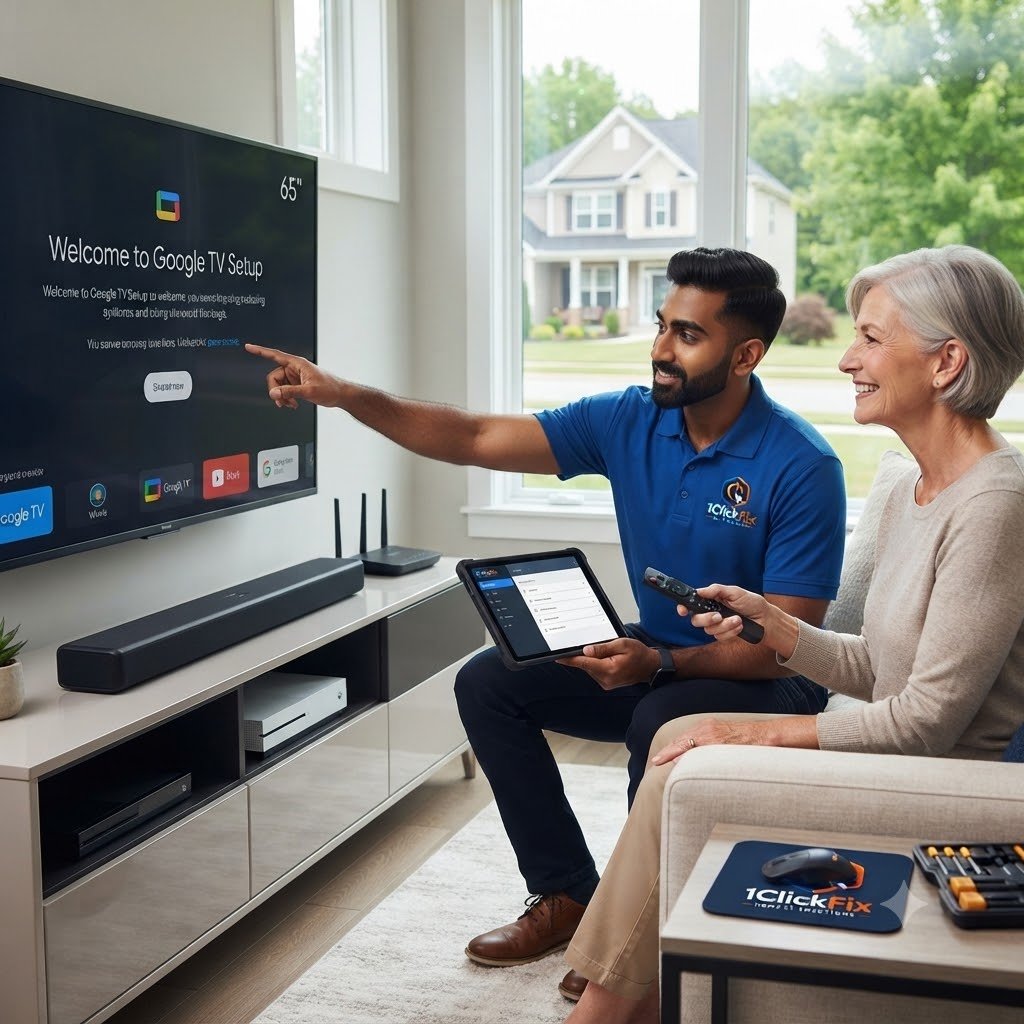
Common New Device Setup Problems We Resolve.
A new device should be simple to set up and ready to use. If you’re experiencing any of the issues below, we can help get everything working smoothly.
Getting Started
Should Be Easy.
We help you through the setup process, account sign-in, and initial configuration so you can start using your device with confidence.
& Sign-In
Setup
Setup
& Backup
Connections
& Sync
Stay Connected.
Get More Done.
Keep Everything
Connected.
We make sure your files, devices, and everyday tools are connected and working the way you need them.
We review the setup as a complete system so accounts, files, applications, accessories, and everyday settings work together.
Problem Solved.
A New Device Should Feel Familiar, Secure & Ready To Use.
The live page currently has this section heading without detailed cards, so these supporting points have been added without removing any existing content.
Ready For Everyday Use
We focus on the complete setup, not just getting through the first startup screen.
Data Transfer Included
Supported personal files can be moved from the old device where accessible.
Security Considered
Updates, antivirus, and basic protection settings are reviewed during setup.
Personal Walkthrough
We show you how the device works so you are comfortable using it.
Accessories Reconnected
Supported printers, keyboards, mice, and other everyday devices can be connected.
Cloud Setup Support
OneDrive and supported cloud options can be configured for easier access to your files.
Email Ready
Supported email accounts can be configured so communication is ready from day one.
Browser Continuity
Bookmarks and browser setup can be carried across where supported.
Less Setup Frustration
You receive a practical setup built around how you actually plan to use the device.
Your Files, Accounts, Software & Accessories — Brought Together.
A new device feels complete when the everyday pieces are already working together. We can configure accounts, updates, email, supported software, data, printers, accessories, cloud services, and basic security settings before the final walkthrough.
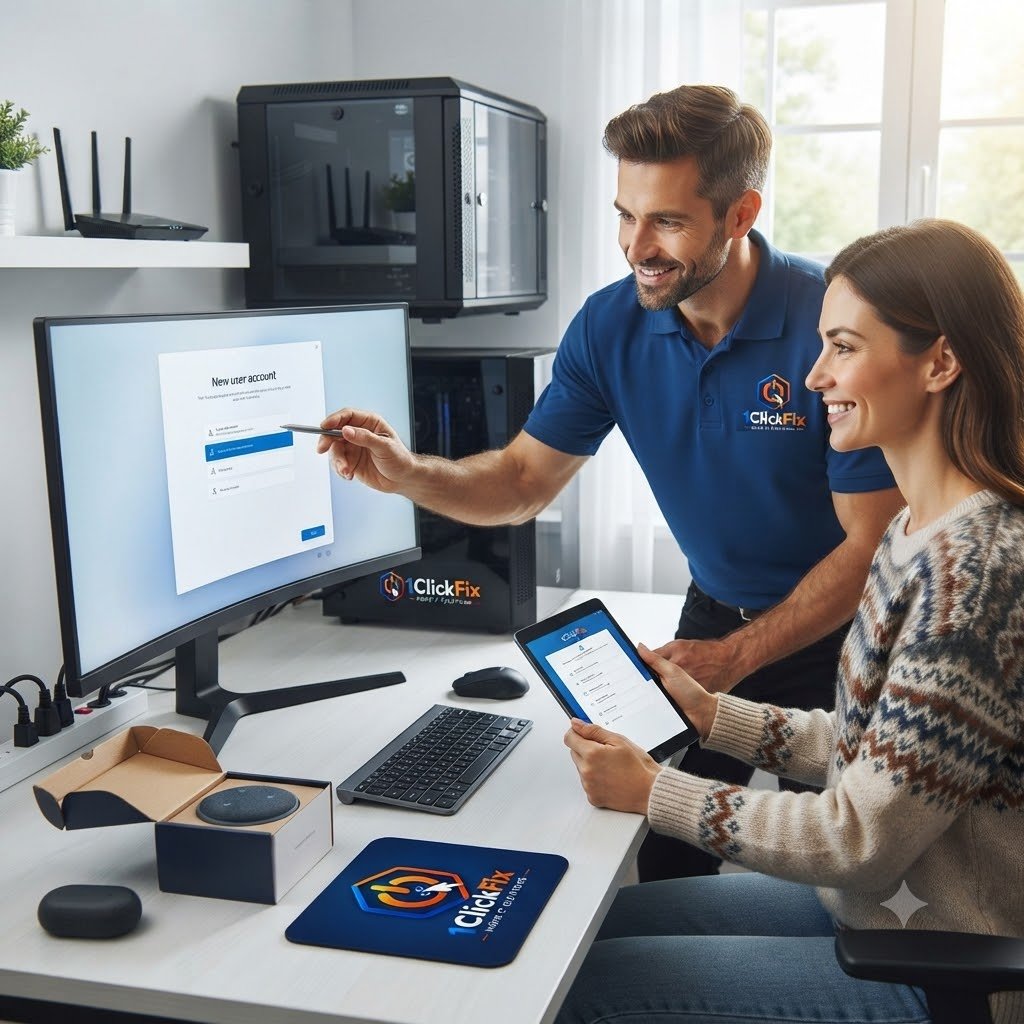
A Clear Launch Sequence From New Device To Ready-To-Use.
The same transparent process on every job — you always know the cost and the plan before we touch anything.
Device Review
We review the new device and your setup needs.
Account & Update Setup
Accounts, updates, and basic settings are configured.
Data Transfer
Files are transferred where possible.
Software Setup
Essential software and email are configured.
Device Connection
Printers and accessories are connected where applicable.
Walkthrough
We show you how everything works.
New Device Setup FAQs
Can you set up my new laptop or desktop?
Can you transfer files from my old computer?
Can you install Microsoft Office?
Can you reconnect my printer?
Can you set up my email?
Will you show me how to use the new device?
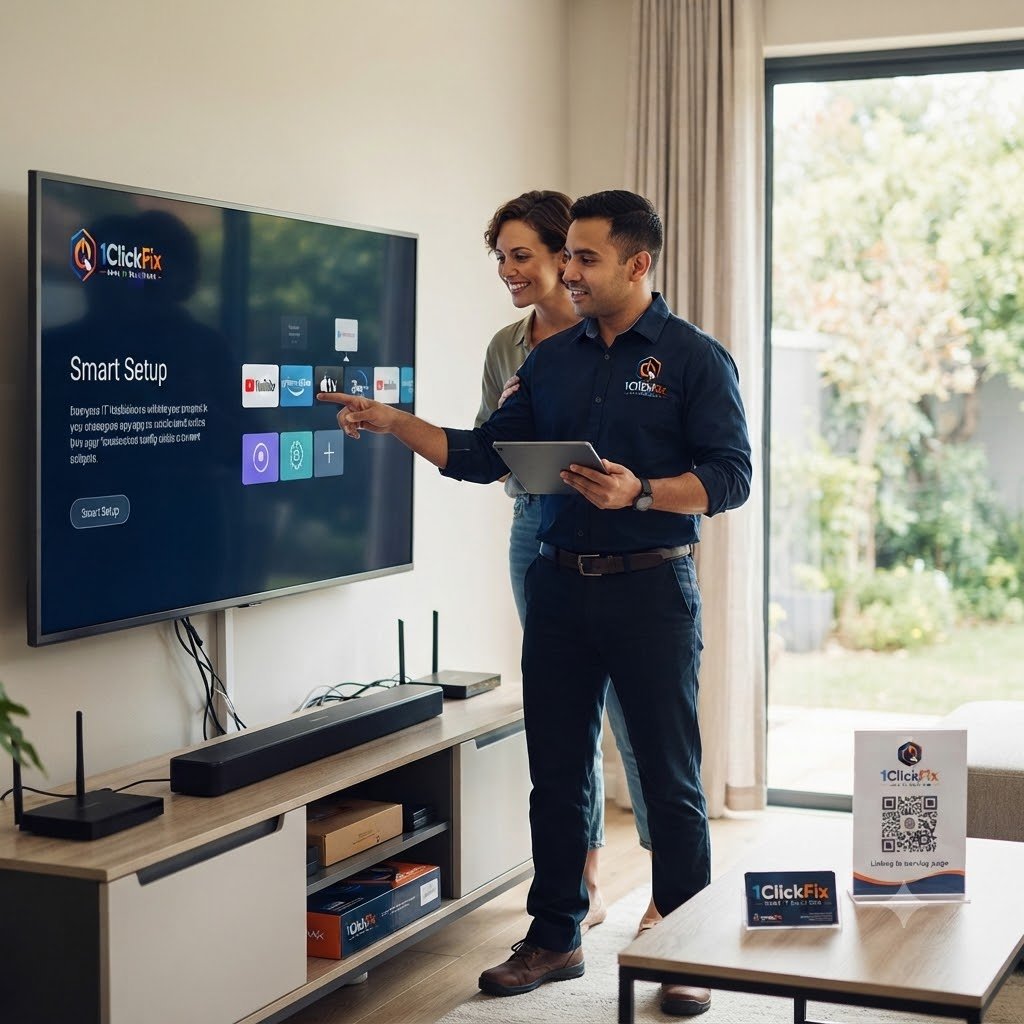
Start Using Your New Device Without The Setup Headache.
From accounts and updates to files, email, software, printers, accessories, cloud services, and the final walkthrough, 1ClickFix can prepare your new device for everyday use.