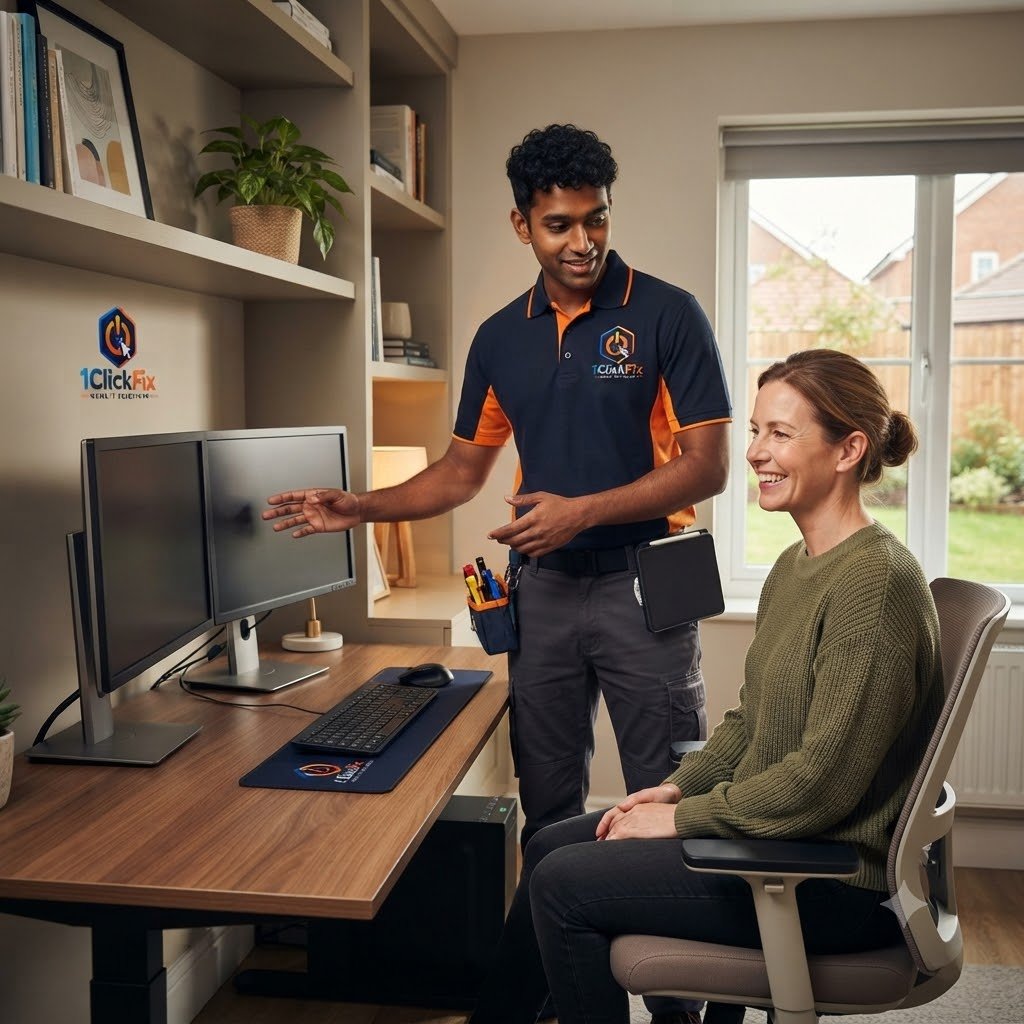
Home Office & Workspace Setup
Professional work-from-home and home office technology setup for monitors, docking stations, webcams, accessories, and reliable everyday productivity.
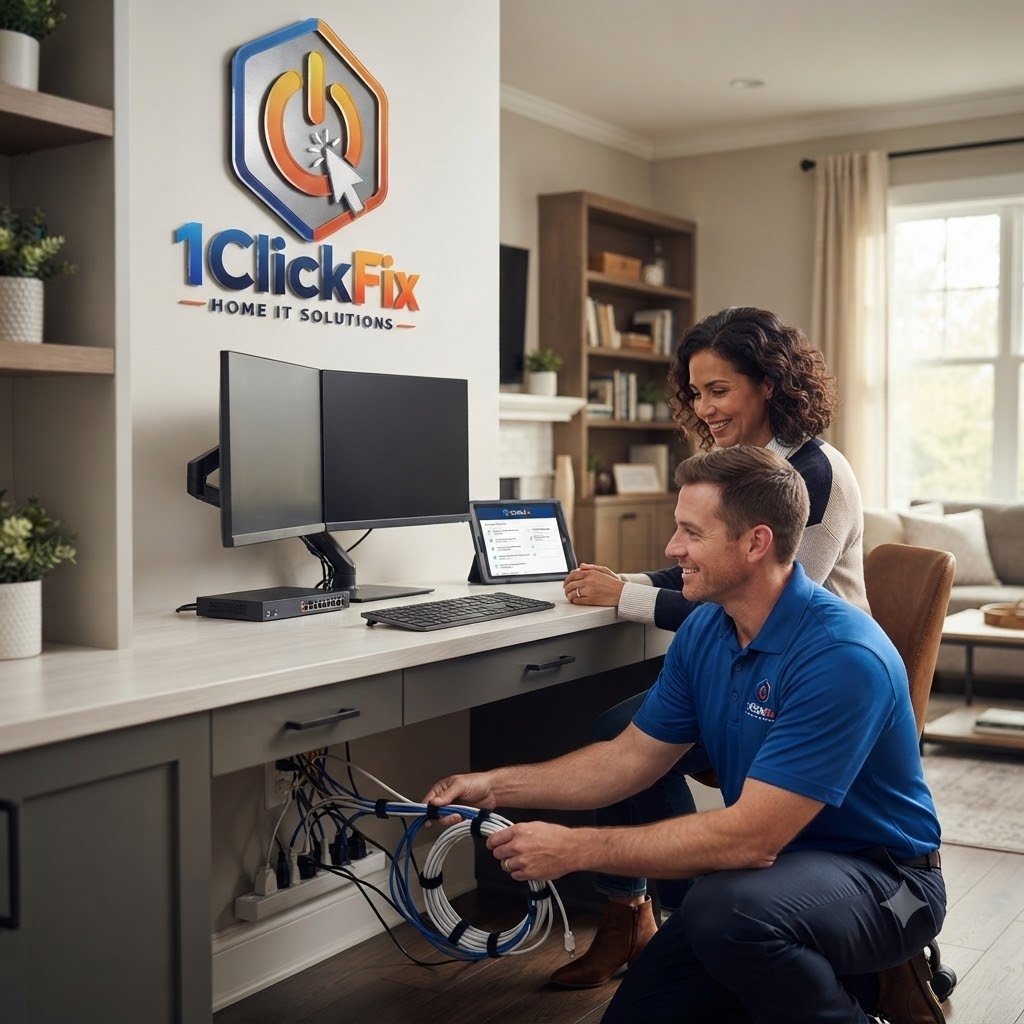
A Home Office That Works As One Complete Workspace.
1ClickFix helps homeowners create reliable home office setups with monitors, docking stations, webcams, microphones, video conferencing tools, cable organisation, and workstation connectivity.
Your Desk, Displays, Meetings & Accessories — Working Together.
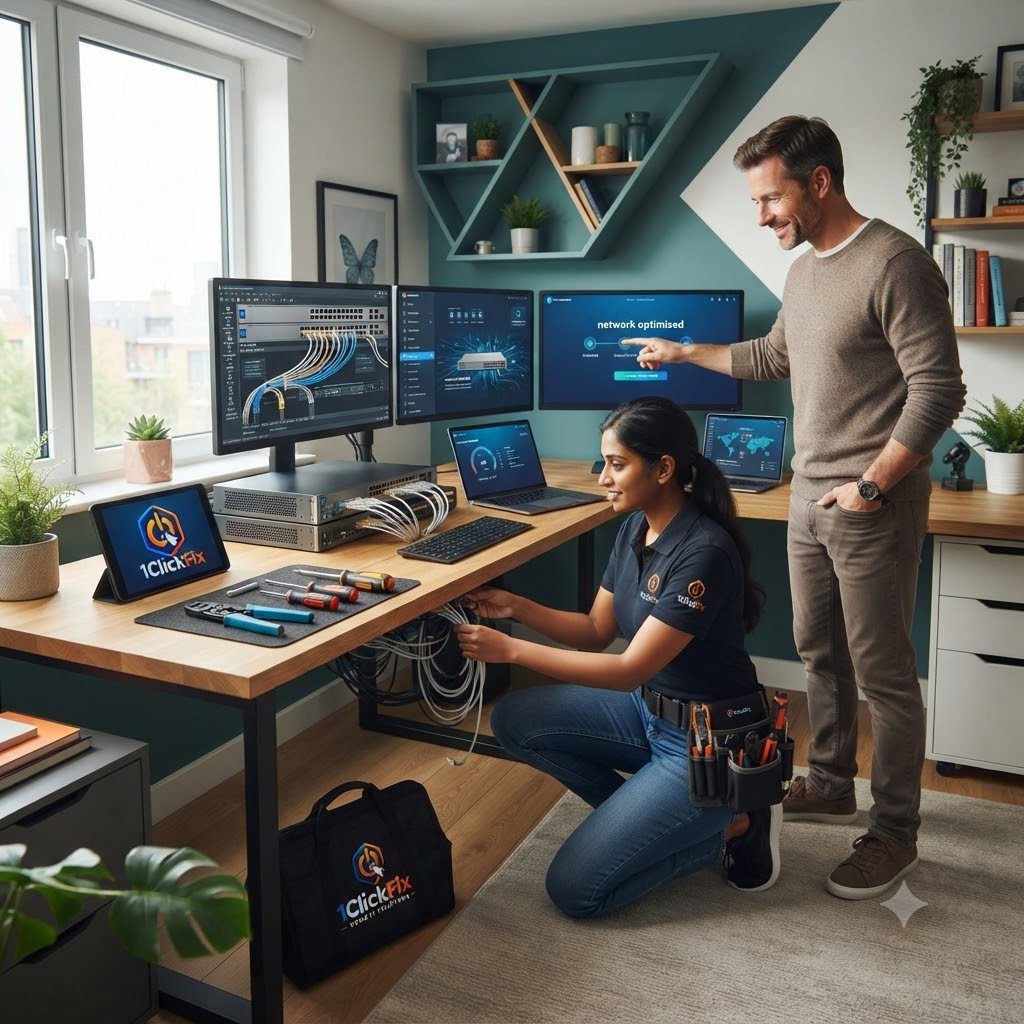
Docking station setup
Monitor resolution configuration
Microphone and speaker setup
Cable organisation
Keyboard and mouse setup
Dual monitor setup
Webcam setup
Teams and Zoom checks
Printer connection
Laptop workstation setup
Need your home office working properly before the next workday?
We can configure displays, docking stations, audio, video, accessories, printer connectivity, and everyday workstation behaviour in one visit.
The Core Workspace Setup Tasks Included.
Everything below is part of the service — quoted upfront, with nothing added without your approval.
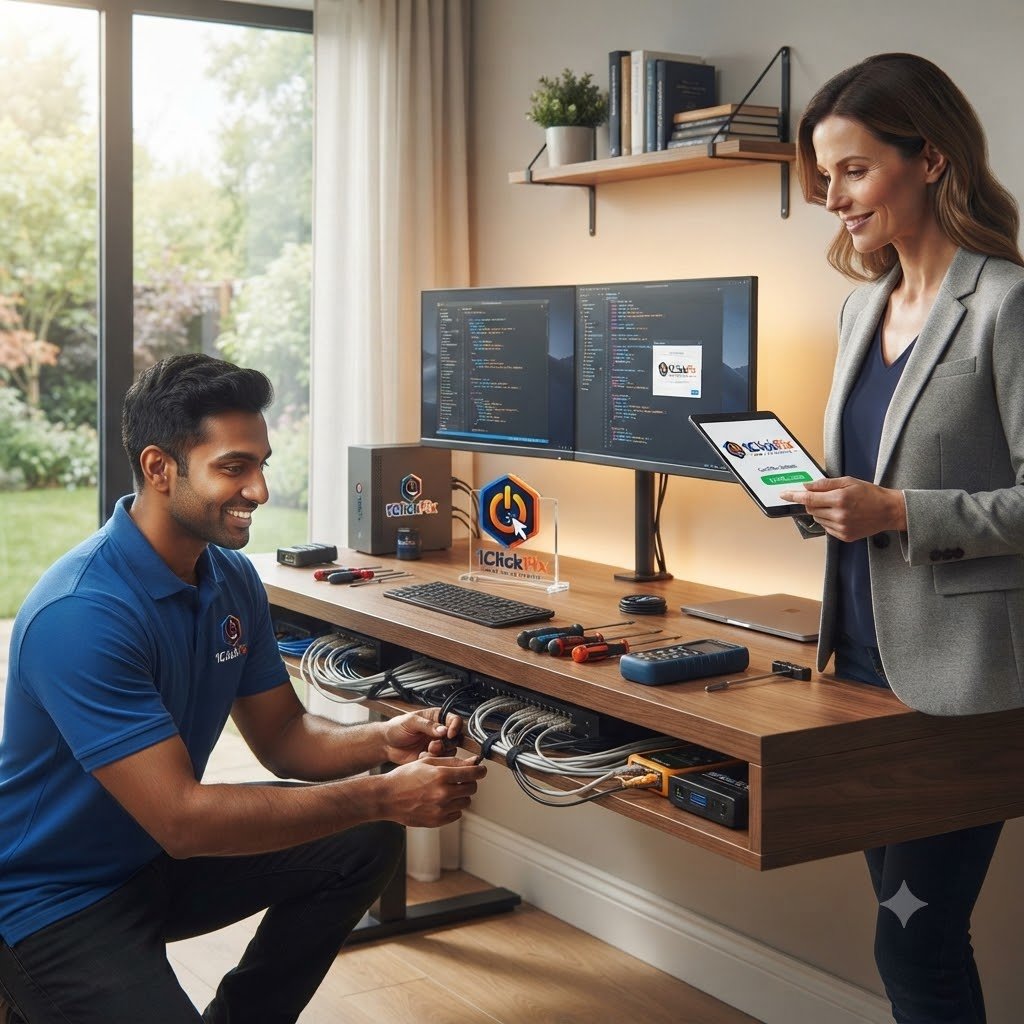
Docking Station Setup
Connecting laptops to docks, monitors, keyboards, and accessories.
Multi-Monitor Configuration
Setting up extended or mirrored displays.
Video Conferencing Setup
Testing cameras, microphones, speakers, and meeting applications.
Cable Organisation
Reducing cable clutter where possible.
Accessory Setup
Connecting keyboards, mice, webcams, printers, and other workspace devices.
Productivity Testing
Confirming that the setup works for everyday tasks and video calls.
Common Home Office Problems We Resolve.
From display and connectivity issues to audio, video and peripherals — we’ll get your home office working properly again.
DISPLAY & WORKSTATION
Get a clear, productive and reliable workspace.
WORK RIGHT
AUDIO, VIDEO & ACCESSORIES
Keep your devices, audio and peripherals working smoothly.
CONNECTED
A Workspace Designed Around Real Productivity.
Designed For Real Productivity
Built around how you actually work at home.
Function Before Appearance
Everything is configured to work reliably first.
Cable Management Matters
A cleaner setup often means fewer issues later.
Meeting-Ready Verification
Audio, cameras, monitors, and performance are tested before completion.
Customised To Your Workspace
Not every desk setup is the same.
Work Without Interruptions
We focus on creating a reliable workspace that helps minimise technical disruptions during your workday.
Comfortable Everyday Setup
Monitor positioning, accessories, and workspace layout are configured with usability in mind.
Professional Home Office Experience
We apply enterprise IT knowledge to help create a dependable home working environment.
Ready For Remote Work
Your equipment is tested for video meetings, productivity applications, and day-to-day business use before we leave.
One Desk. Every Device Working Together.
A productive home office is more than a monitor and laptop. We bring the docking station, displays, webcam, microphone, speakers, keyboard, mouse, printer, meeting apps, and practical cable organisation together into one dependable workspace.
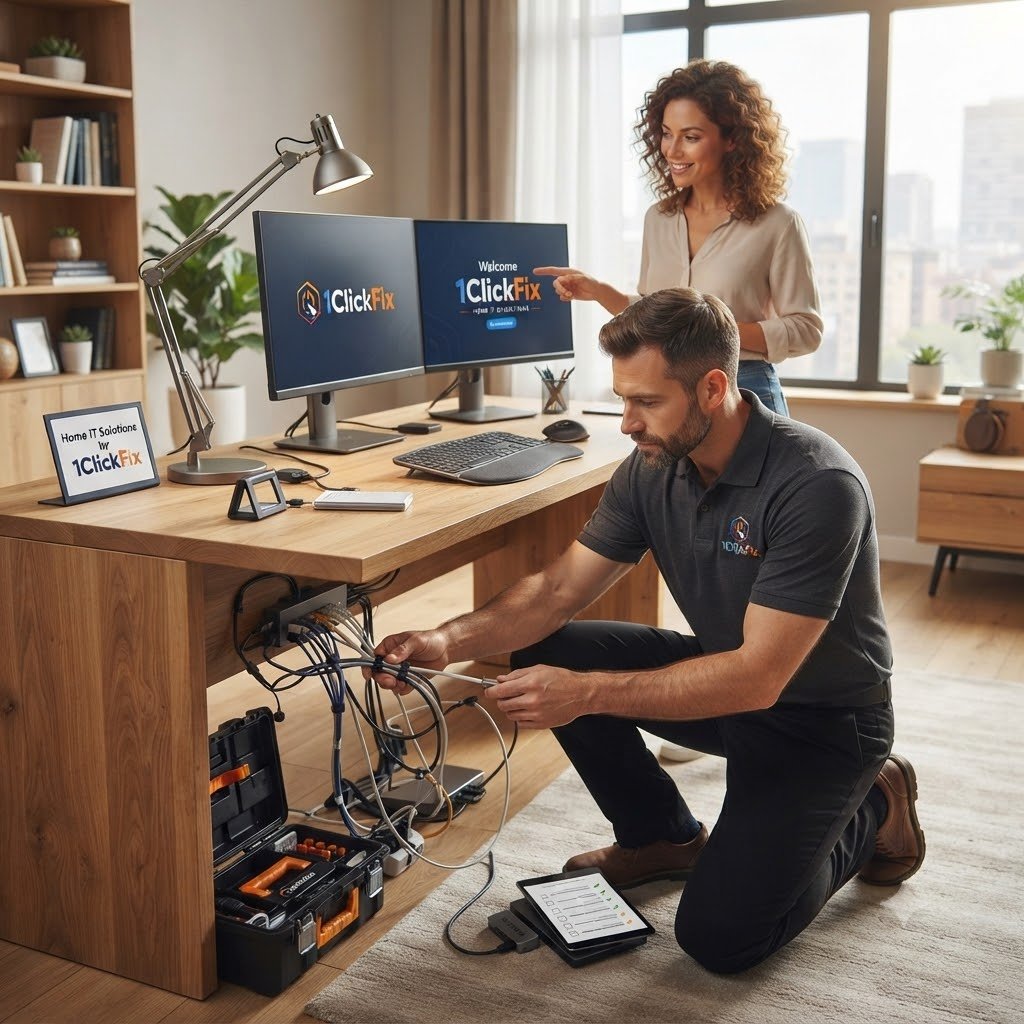
A Clear Setup Sequence From Desk Review To Daily-Use Testing.
The same transparent process on every job — you always know the cost and the plan before we touch anything.
Initial Assessment
We review your desk setup and work needs.
Device Connection
Monitors, docking stations, webcams, and accessories are connected.
Display Configuration
Screen layout, resolution, and monitor behaviour are configured.
Meeting App Testing
Camera, microphone, speakers, Teams, and Zoom are tested.
Cable Organisation
Cables are arranged where possible to reduce clutter.
Final Walkthrough
We confirm the setup works for daily use.
Home Office & Workspace FAQs
Can you set up dual monitors?
Can you set up docking stations?
Can you help with Teams or Zoom?
Can you organise cables?
Can you connect my printer to my home office setup?
Can you set up my entire home office so everything works together?
Build A Home Office That Is Ready When Your Workday Starts.
From dual monitors and docking stations to webcams, microphones, printers, accessories, Teams, Zoom, and cable organisation, 1ClickFix can bring the entire workspace together and test it before we leave.